Best MagSafe iPhone Cases 2026: Ranked Picks & Buying Guide
 Abdulwahab Suleiman·June 16, 2026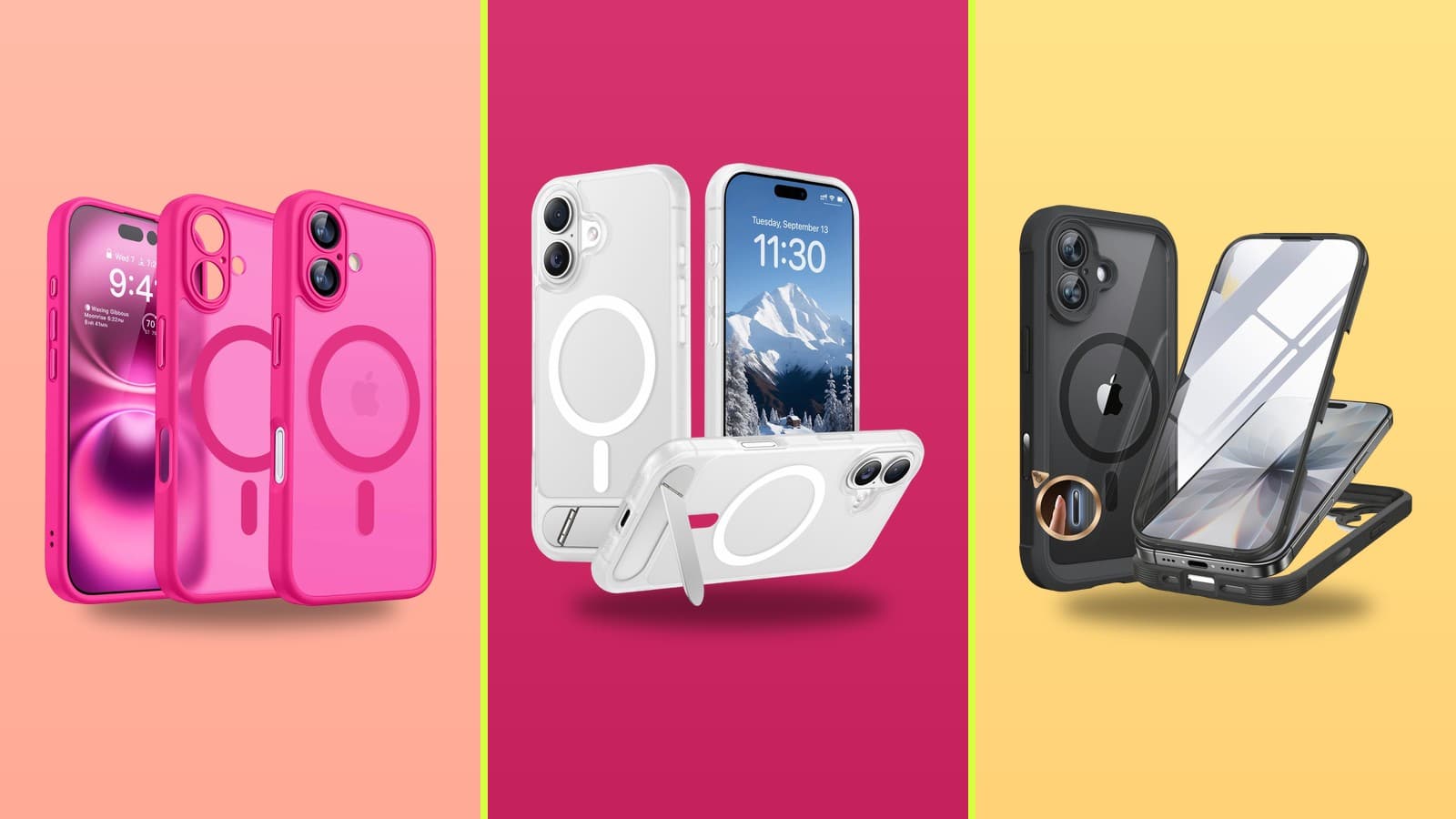
These five MagSafe-compatible cases cover the realistic range from budget to heavy-duty across iPhone 13 through iPhone 17. Fit is model-specific, so match the case to your exact phone. Prices are the most recent figures on record and will drift — check the live price at the link. Rankings draw on each maker's documented adherence to Apple's MagSafe magnet-alignment spec, the protection tier the case targets, expert review findings, and price.
Quick Comparison
 1
1Credit: Amazon
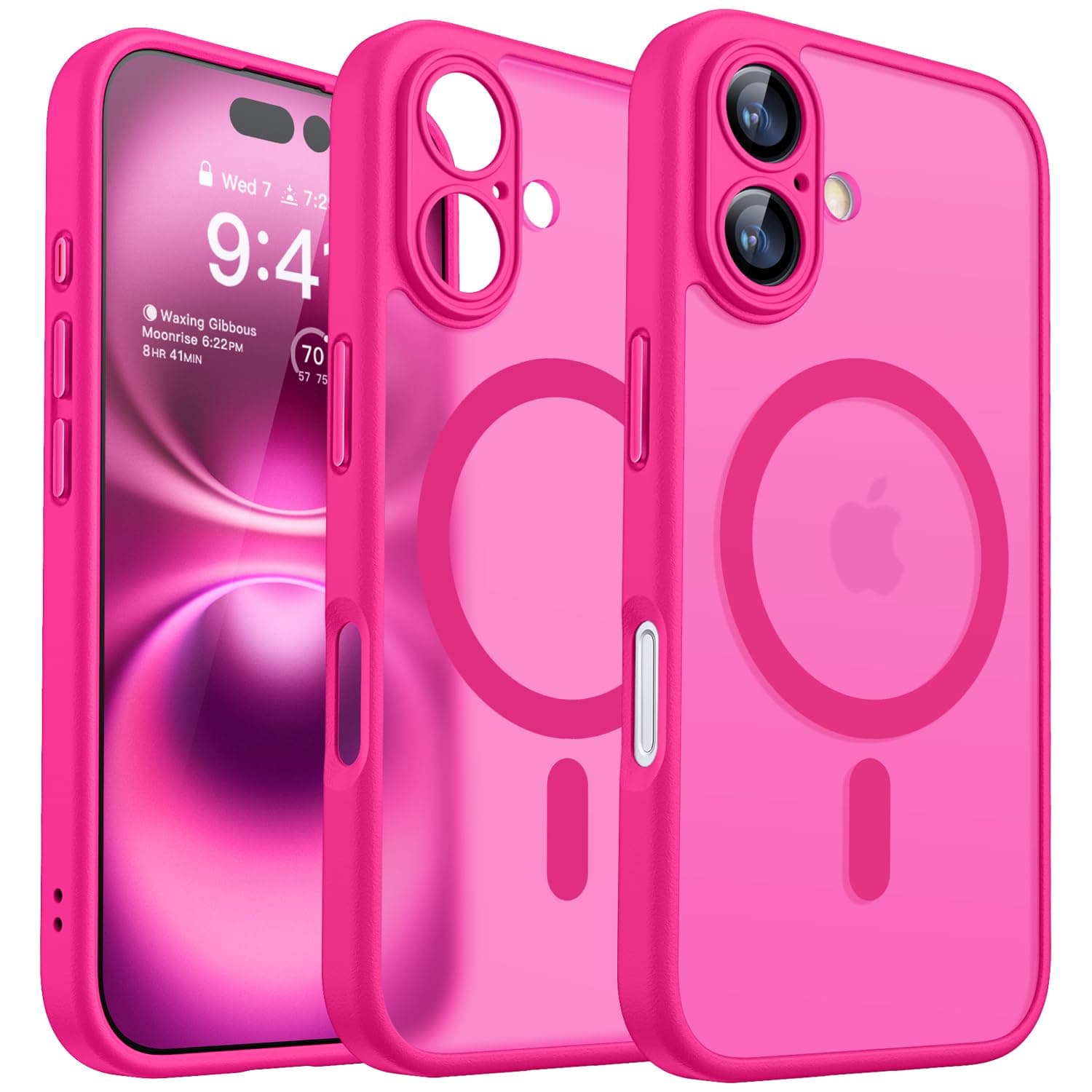
CANSHN Magnetic Case for iPhone 16
 2
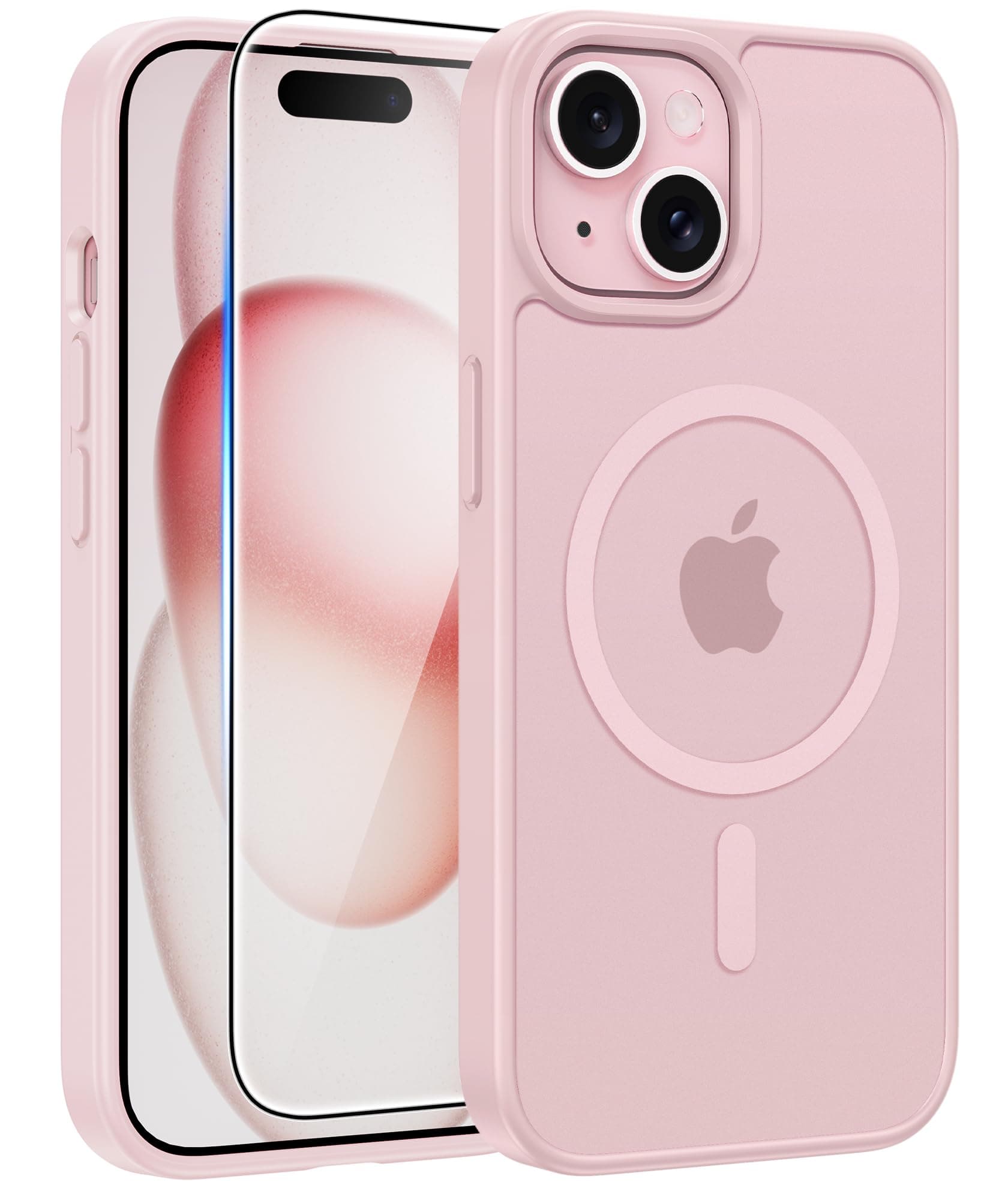
2FNTCASE for iPhone 15 Case
 3
3Credit: Amazon
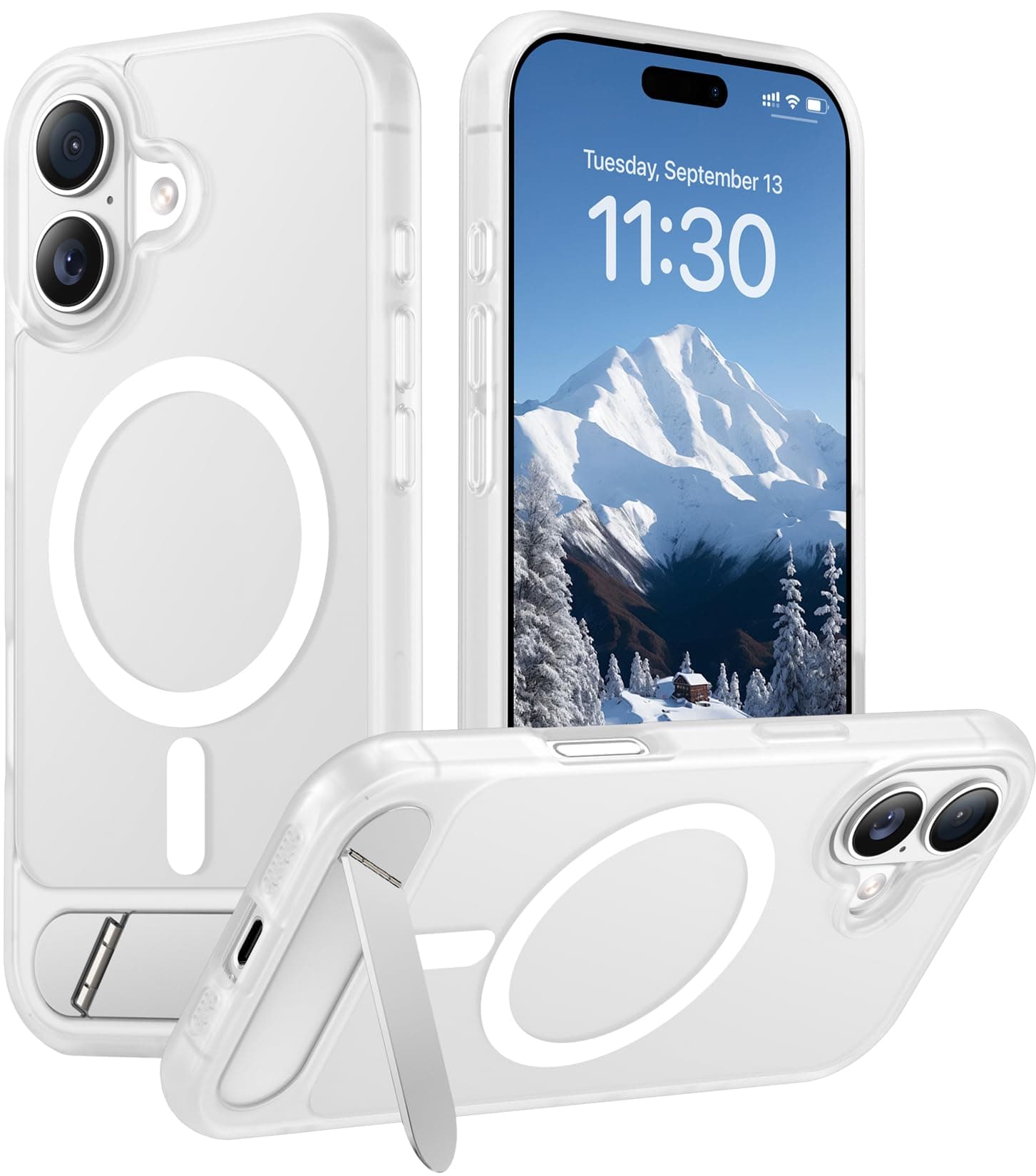
Temdan iPhone 17 Case
 4
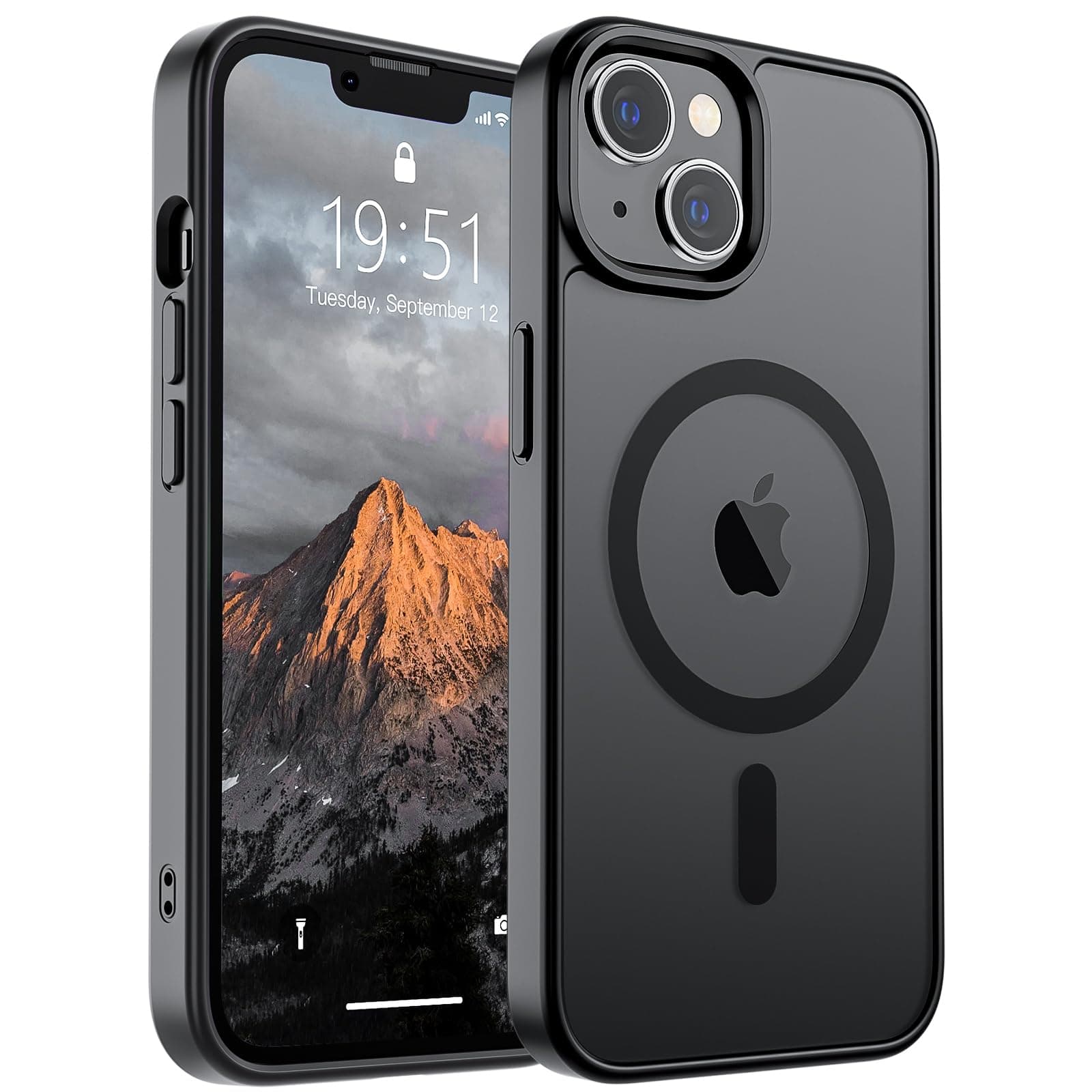
4SUPFINE Magnetic Case for iPhone 14 & 13
 5
5Credit: Amazon
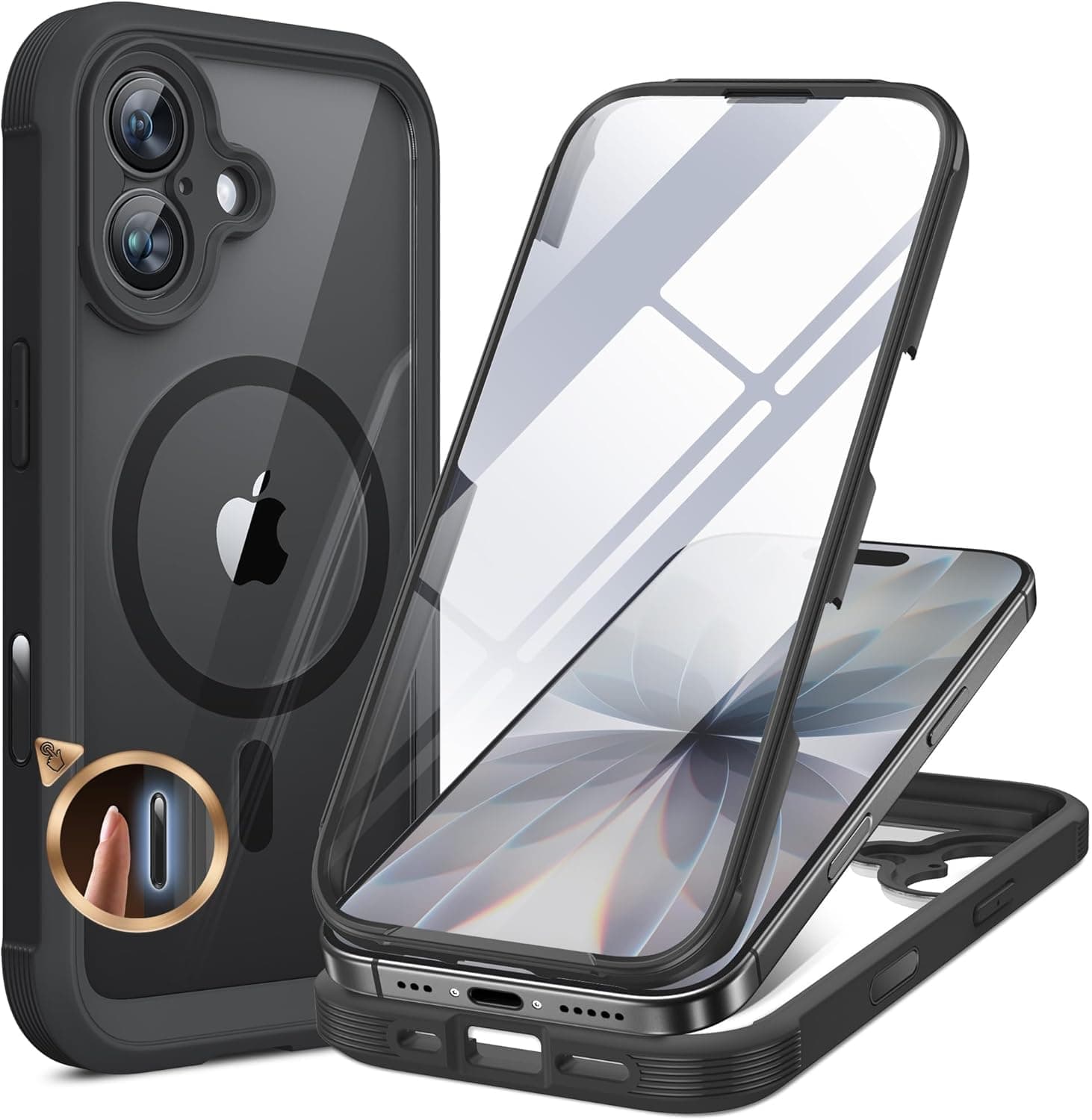
Miracase iPhone 17 Case with Screen Protector
CANSHN Magnetic Case for iPhone 16
Credit: Amazon
Where to Buy
Key Specs
What We Like
- Clean MagSafe magnet alignment
- Full-perimeter camera protection
- Matte finish resists yellowing
- Excellent price for the feature set
What Could Improve
- No bundled screen protector
- Not Made for MagSafe certified
What to Know
FNTCASE for iPhone 15 Case
Where to Buy
Key Specs
What We Like
- Lowest price here
- Bundled screen protector
- SGS-tested drop protection
- Covers three iPhone generations
What Could Improve
- Not Made for MagSafe certified
- Older-model fit only
What to Know
Temdan iPhone 17 Case
Credit: Amazon
Where to Buy
Key Specs
What We Like
- Invisible built-in kickstand
- Slim translucent matte body
- Military-grade shockproofing
- Sized for iPhone 17
What Could Improve
- No bundled screen protector
- Not Made for MagSafe certified
What to Know
SUPFINE Magnetic Case for iPhone 14 & 13
Where to Buy
Key Specs
What We Like
- Very low price
- Slim anti-fingerprint matte finish
- Built-in magnet ring
What Could Improve
- No bundled screen protector
- Older-model fit only
- Not Made for MagSafe certified
What to Know
Miracase iPhone 17 Case with Screen Protector
Credit: Amazon
Where to Buy
Key Specs
What We Like
- Full-body 360-degree protection
- Built-in glass screen protector
- Full iPhone 17 camera-control cutouts
What Could Improve
- Bulkiest case here
- Highest price
- Not Made for MagSafe certified
What to Know
How to Choose a MagSafe iPhone Case
What to consider before you buy
Who This Is For
If you rely on snap-on chargers, wallets, mounts, or stands, prioritize a strong, well-aligned magnet ring (ideally Qi2 or Made for MagSafe) so accessories hold securely.
Frequent droppers and people on job sites want a MIL-STD-810-rated or full-body case with raised camera and screen lips, even at the cost of extra bulk.
If you keep your phone pocketed and charge with a cable as often as wireless, a thin matte case keeps the magnet working without adding heft.
Shoppers who want MagSafe magnetism, basic shock protection, and often a bundled screen protector for under roughly $15 — without paying for Apple's certification.
Key Factors to Consider
Apple's spec calls for self-alignment within a ~1.55 mm radius and roughly 800-1100 gram-force of hold. A correctly placed, strong ring is what makes chargers and wallets snap on dead-center and stay put; a weak or off-center ring causes slipping and slow charging.
Made for MagSafe cases use Apple's module and guarantee full-speed alignment; MagSafe-compatible and Qi2 cases add a magnet ring to standard wireless charging and usually cost less. Qi2 narrows the gap, but uncertified rings vary more in strength.
Look for MIL-STD-810 drop claims, raised bezels around the screen and camera, and reinforced corners. Independent lab verification (for example an SGS-administered drop test) carries more weight than an unbacked 'military grade' label.
Apple caps MagSafe case thickness at 2.1 mm (2.0 mm recommended) over the magnet area. Thicker full-body shells protect more but can weaken the magnetic snap and slow charging as they approach that ceiling.
iPhone bodies and camera layouts change yearly, so a case must be cut for your exact model — including the newer camera-control button. A case built for an older generation will not fit correctly.
Clear cases look great new but can yellow as plastic reacts with oils and UV. A matte or tinted translucent finish, or an anti-yellowing coating, holds its look longer.
Quick Checklist
How We Research
How We Test
Compared manufacturer specs
Pulled each maker's published magnet-ring, material, thickness, and drop-rating claims and checked them against Apple's documented MagSafe design spec.
Surveyed expert reviews
Read across professional reviews and reputable buying guides to see where independent assessments of magnet strength, fit, and protection converged.
Cross-checked owner-feedback themes
Tracked recurring themes in verified owner feedback — charging reliability, magnet hold, yellowing, and long-term durability — to surface issues specs alone miss.
Reconciled and ranked
Weighed the three layers together, prioritizing points where they agreed and noting where they conflicted, then ranked by alignment quality, protection, fit, and price.
Important Warnings
- Avoid stacking thick metal plates, extra magnet rings, or cards over the built-in ring — it can throw off alignment and slow or block charging.
- Do not clean the case with harsh solvents, acetone, or abrasive pads; they can cloud clear plastic and degrade anti-yellowing coatings.
- Grit trapped between case and phone can scratch the frame — clean the inside periodically, especially after beach or pocket-lint exposure.
- Don't expect an older-model case to protect a new phone; an imperfect fit leaves edges and the camera exposed.
Maintenance Schedule
Clean the back where chargers attach with a dry or lightly dampened microfiber cloth so debris doesn't sit between the magnets.
Remove the phone and wipe out trapped dust and lint to prevent micro-scratches on the frame and camera ring.
Gently clean translucent cases with mild soapy water to slow oil-and-UV discoloration; replace once yellowing sets in.
Check raised screen and camera lips and corner reinforcements for cracks or compression after a drop, and replace if protection is compromised.
Related Posts

Buying Guides — Best Back to School Dorm Essentials 2026: 6 Research-Backed Picks
Skip the 75-item packing list. These six research-backed dorm essentials solve the problems every residence-hall student actually hits, from communal bathrooms to outlet shortages, all verified at July 2026 deal prices.