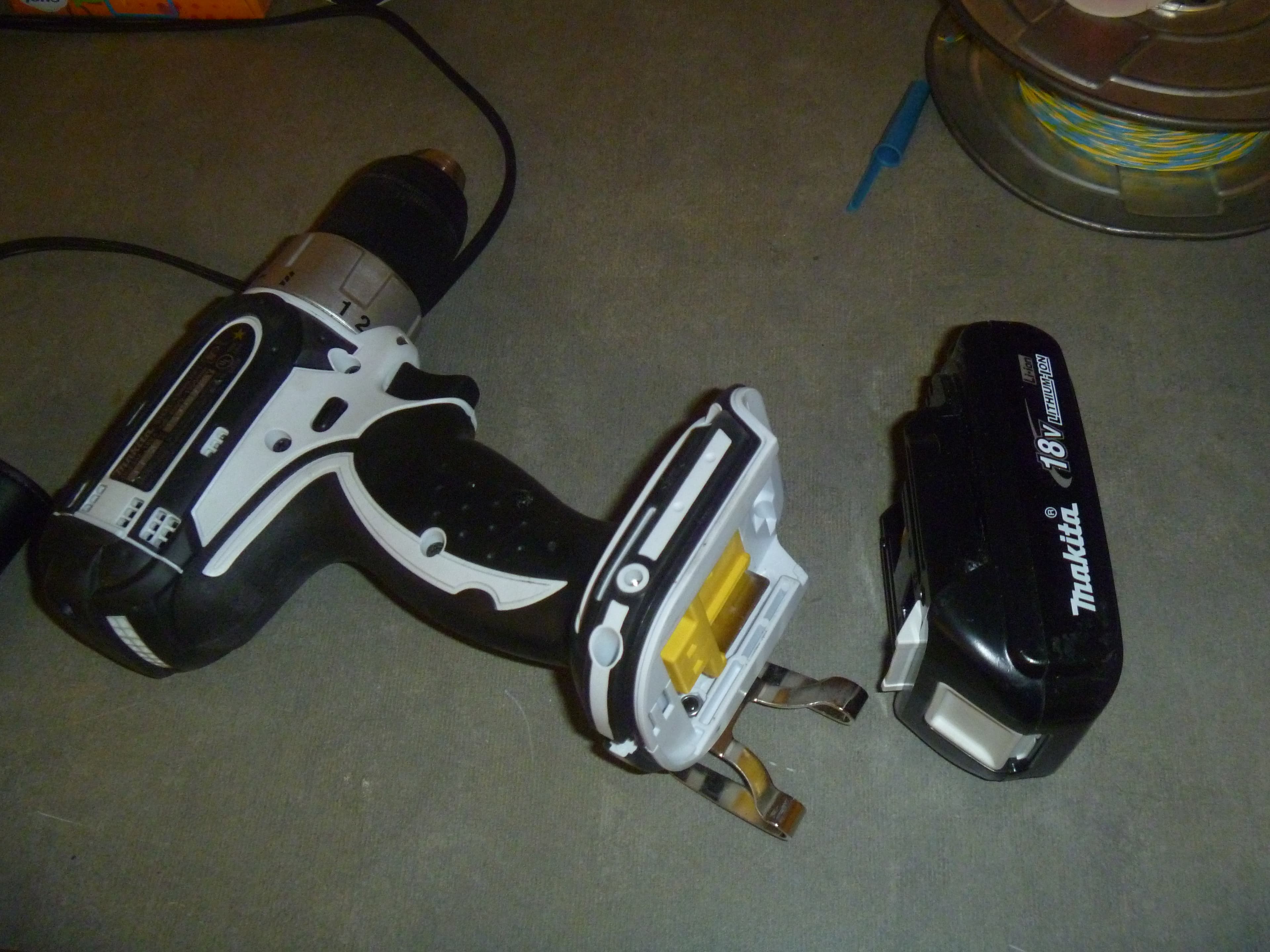


Start With the Job, Not the Spec Sheet
Walk into any hardware aisle and the cordless drills blur together: rows of color-coded pistol grips, batteries the size of a soda can, and stickers shouting numbers like "20V MAX," "340 UWO," and "0-1,600 RPM." It is easy to assume the drill with the biggest figure on the box is the right one. It rarely is.
The smarter way to choose a cordless drill is to work backwards from what you actually plan to do with it. Hanging curtain rods and assembling flat-pack furniture is a different job than building a deck or anchoring a TV mount into a concrete wall, and each job rewards a different combination of voltage, motor, chuck, and battery. A drill that is overkill for one task is underpowered for another, and the one number on the box almost never captures that nuance.
A quick note on how we put this guide together, because it shapes how much you should trust it. We do not run a tool lab and we did not personally torque-test every drill on a workbench. Instead, this guide synthesizes manufacturers' published specifications with independent evaluations from established testing outlets such as Consumer Reports and professional tool reviewers, then translates the jargon into plain decisions. Where we cite a spec, we anchor it to the source so you can verify it yourself. The goal is to help you walk into that aisle, or open that product page, knowing exactly which numbers matter for your work and which are marketing noise.
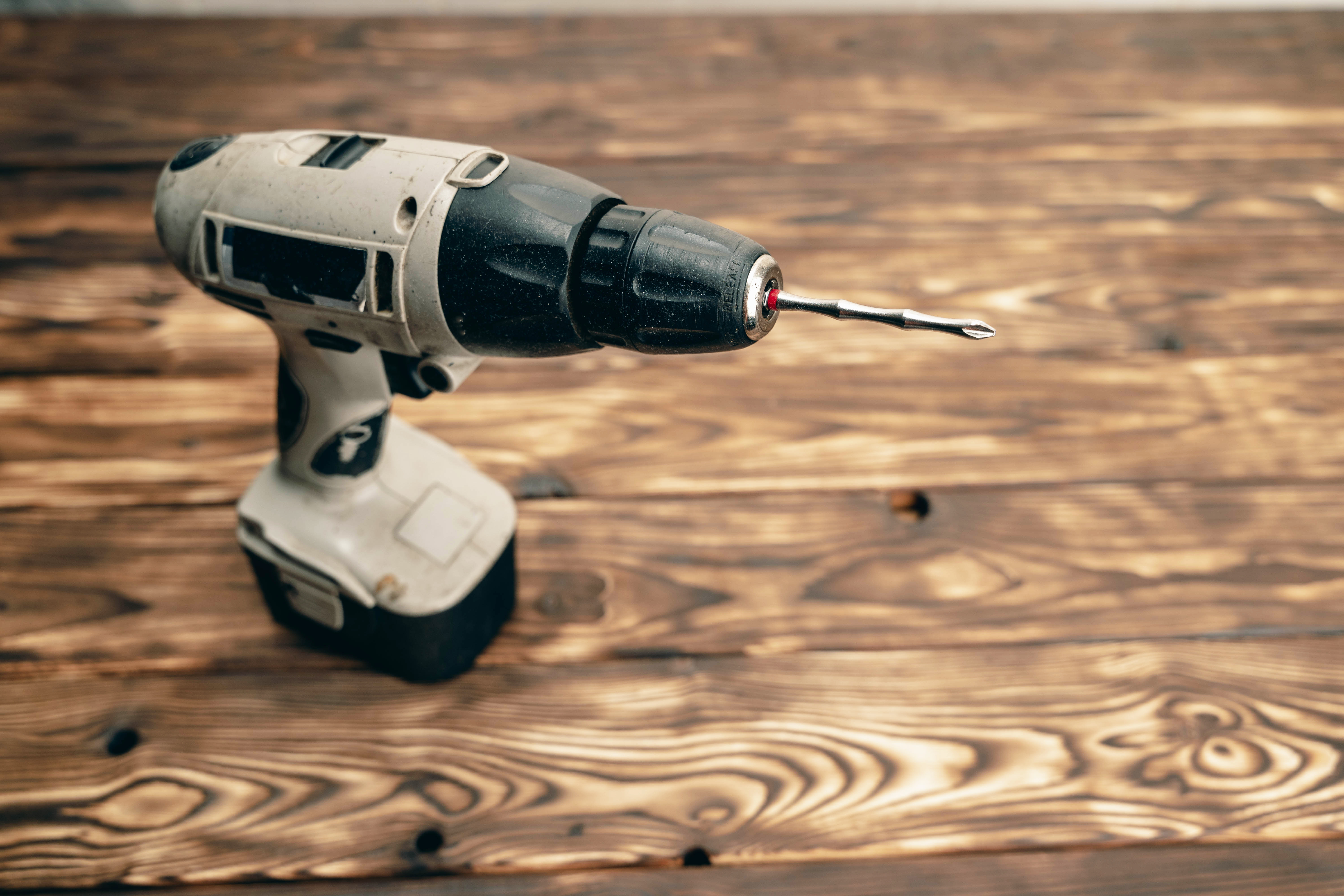
The right drill depends far more on your projects than on the largest number printed on the box.
If you only remember one thing, make it this: pick your battery platform and your motor type first, match voltage and chuck to your heaviest realistic task, and treat everything else as a tiebreaker. The rest of this guide unpacks each of those decisions in the order they actually matter.
How Much Voltage Do You Actually Need?
Voltage is the spec people fixate on, and it is genuinely useful, but mostly as a rough class indicator rather than a precise power rating. Higher voltage generally allows a tool to deliver more torque and sustain it under load, which is why heavier-duty drills tend to sit at 18V or 20V while compact, light-duty models live at 12V. According to a cordless drill buying guide from Fine Power Tools, 12V to 20V covers the vast majority of household and DIY work, while genuinely heavy-duty jobs are where stepping up to 20V or higher starts to pay off.
12V vs 18V vs 20V, in plain terms
Think of the voltage tiers as three rough categories rather than a strict ladder:
- 12V (light-duty): Compact and light, ideal for furniture assembly, hanging shelves, small repairs, and anyone who values a tool that disappears into a kitchen drawer. These drills are easy to control one-handed and forgiving for beginners.
- 18V / 20V MAX (general-purpose to heavy-duty): The mainstream sweet spot. Enough muscle for driving long screws, drilling larger holes in wood, light masonry with a hammer setting, and the occasional demanding project. This is where most homeowners and serious DIYers should shop.
- Higher voltage and stacked platforms: Reserved for sustained professional and construction use. Most home users will never need it, and the extra weight is a real cost.
The 18V vs 20V "trick" worth knowing
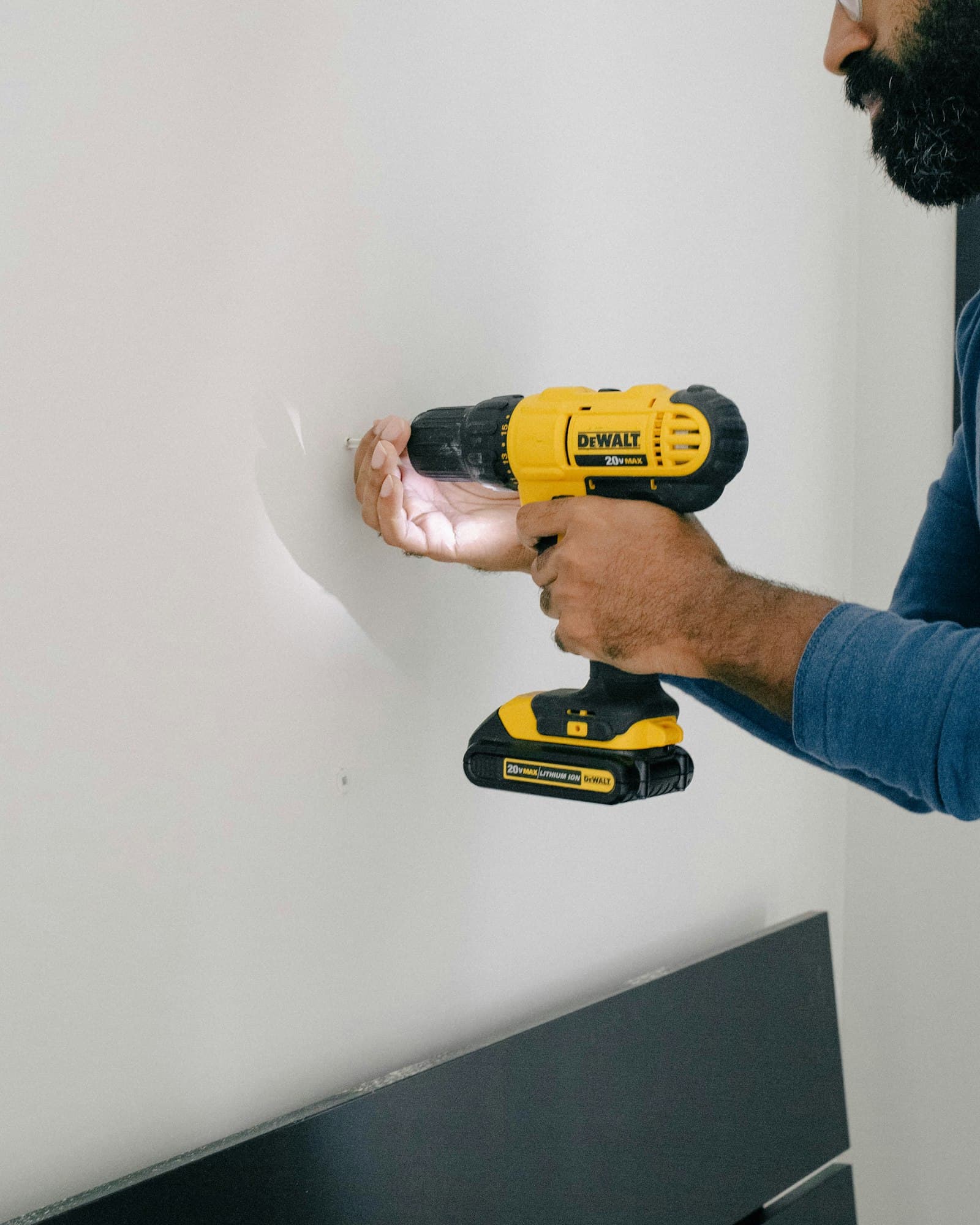
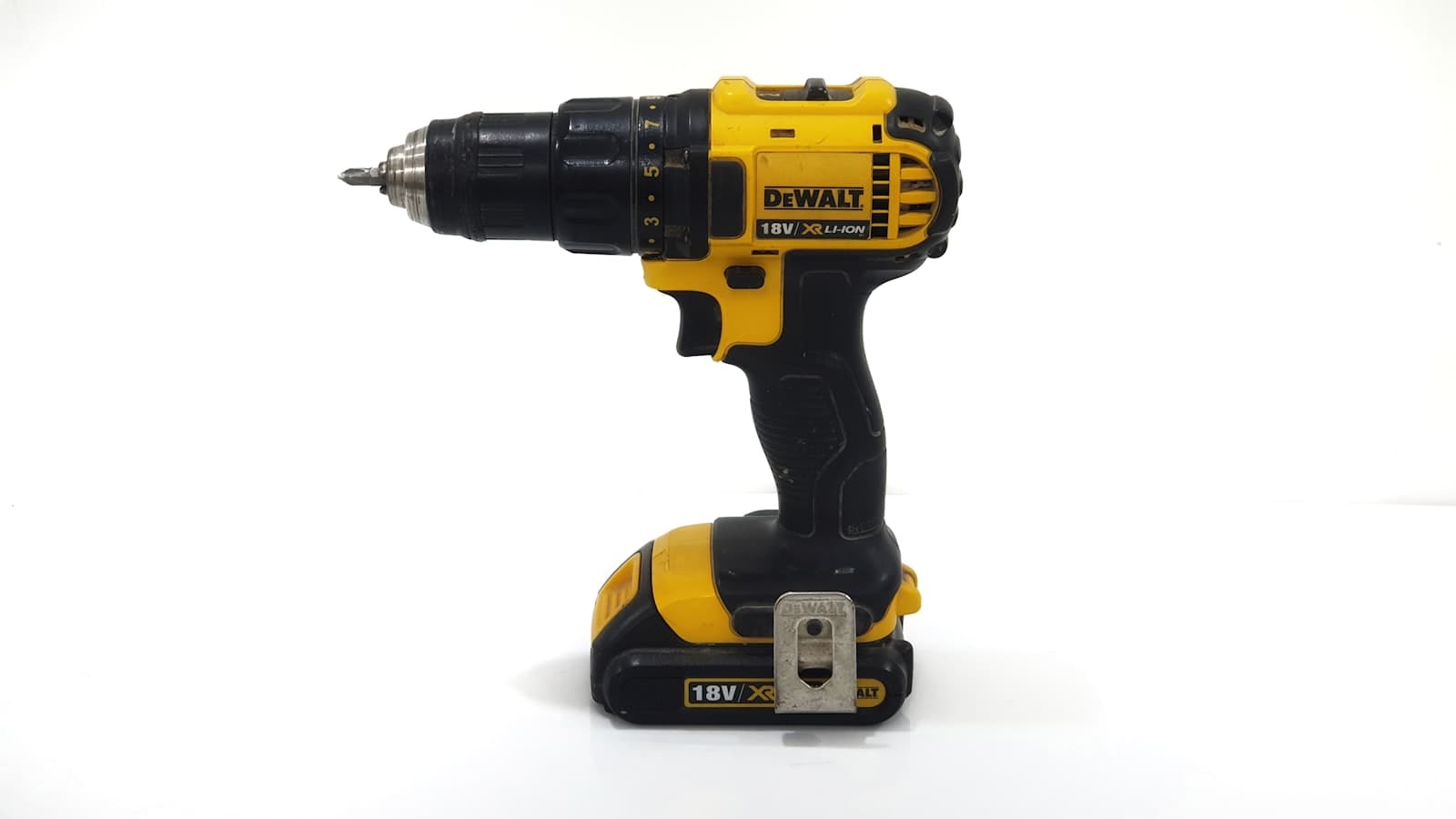
Here is a detail that confuses a lot of first-time buyers. An 18V and a "20V MAX" battery from comparable tools are frequently the same battery, just labeled differently. As a distributor buying guide on 18V vs 20V explains, the higher "MAX" number reflects the peak voltage of a freshly charged pack, while the lower number reflects its nominal voltage under load. DeWalt's own product documentation makes the same point: its 20V MAX line carries a maximum initial battery voltage of 20 volts and a nominal voltage of 18 volts (DEWALT DCD777 product page).
The practical takeaway: do not pay a premium, or pick one brand over another, purely because the box says 20 instead of 18. They are two ways of measuring the same chemistry. Spend that attention on motor type and battery capacity instead, which is where the real performance differences live.
Brushless or Brushed: The One Upgrade Worth the Money
If voltage is the most overrated spec, motor type is the most underrated. The difference between a brushed and a brushless motor changes runtime, power delivery, heat, weight, and how long the tool survives. For most buyers, this is the single decision that most affects daily satisfaction with the drill.
A brushed motor uses physical carbon brushes that press against a spinning commutator to transfer power. They work, they are cheap, and they wear out. A brushless motor replaces that mechanical contact with electronic controls, eliminating the friction, the wear, and a lot of wasted energy.
What the numbers say
The efficiency gap is not marketing fluff. Consumer Reports found that brushless motors can run on a battery up to 50 percent longer than brushed motors, deliver a 15 to 35 percent increase in performance, and run up to 50 percent cooler. They also tend to weigh up to a pound less and skip the periodic brush replacement that brushed motors need.
DeWalt makes a similar claim for its own compact drill, citing roughly 30 percent more runtime from the brushless design (DEWALT DCD777 product page). A broader efficiency comparison puts brushless motor efficiency around 85 to 90 percent versus roughly 75 to 80 percent for brushed designs, which is exactly where that runtime advantage comes from.
There is one more genuinely useful behavior. A brushless drill's electronics sense the resistance of the material and modulate power on the fly, drawing more for dense hardwood and less for drywall. A brushed motor simply dumps the same power regardless, which is why it drains faster and heats up under load.
Who can skip it
Brushless tools cost more up front. Consumer Reports cited an example of roughly $122 versus $68 for comparable models. If you genuinely only reach for a drill a handful of times a year, for light tasks, a quality brushed model is perfectly adequate and saves you money. But if you expect to use the drill regularly, or you want it to last and stay light, brushless is the upgrade we would not skip. It is the difference you feel on the very first hole.
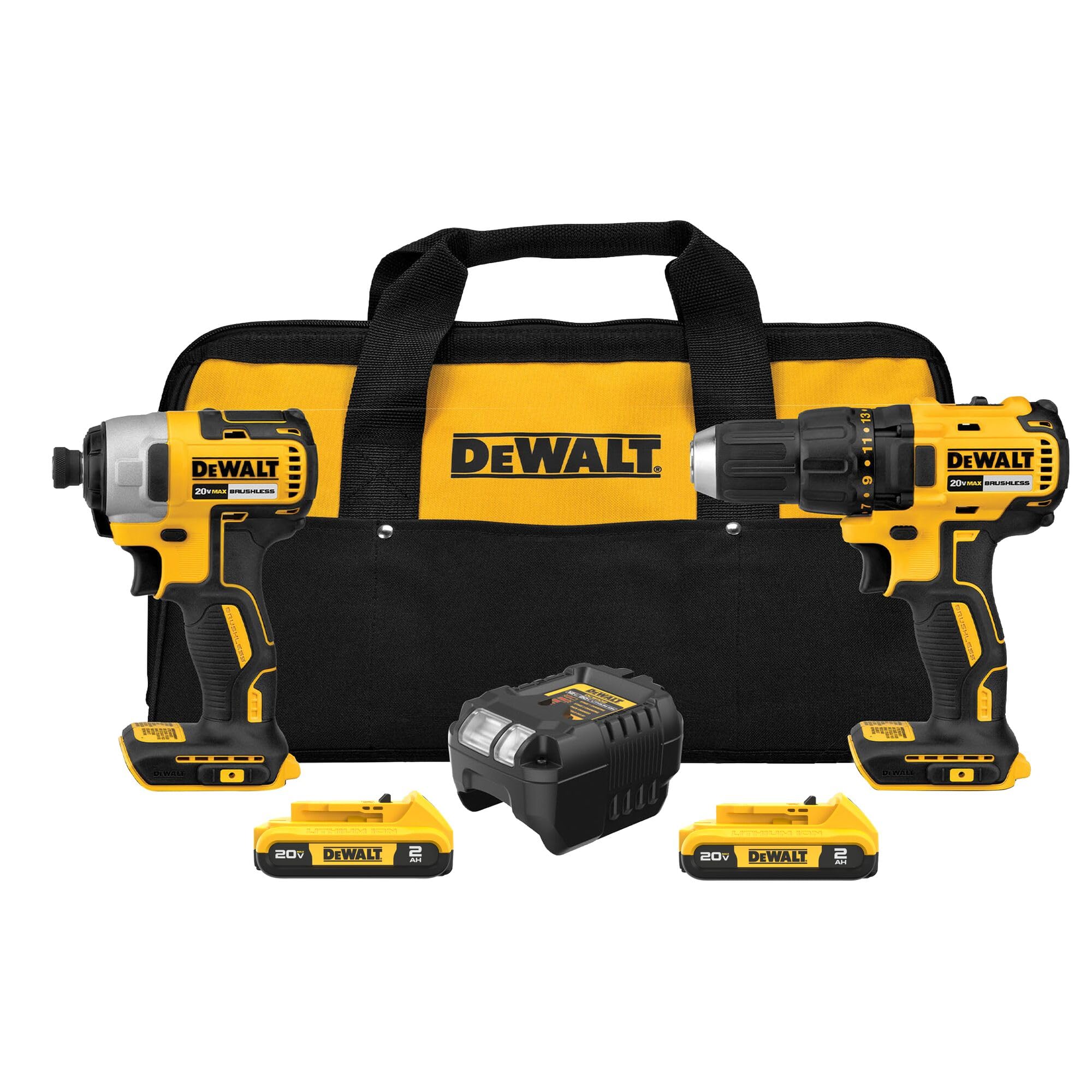
Brushless motors trade physical brushes for electronic control, which is where the runtime, heat, and longevity advantages come from.
Drill, Hammer Drill, or Impact Driver?
"Cordless drill" is a loose label that hides three distinct tools. Buying the wrong type is the most common and most frustrating mistake, because each one is genuinely good at jobs the others handle poorly. Understanding the mechanism behind each is the fastest way to know which you need, and it is worth reading our deeper companion piece on the difference between a drill/driver and an impact driver if you are torn between those two.
Drill / driver: the precise all-rounder
A standard drill/driver spins a bit with steady rotation and adds an adjustable clutch, the numbered collar behind the chuck, that lets you cap how much torque it applies before it slips. As RYOBI's tool guide describes, that clutch is what makes a drill/driver so controllable: you can set it low to seat a screw flush in soft pine without stripping it, then crank it up for tougher driving. It is the right tool for pilot holes, precise depth, delicate materials, and general drilling. If you are buying exactly one tool, this is almost always the one.
Hammer drill: for masonry
A hammer drill adds a rapid forward-and-back hammering motion on top of the rotation, effectively tapping the bit into the surface as it spins. Bob Vila's tool comparison notes that this percussion is what lets it bite into stone, brick, and concrete, which a plain drill struggles with. Many mainstream drills now offer a hammer mode as a switchable setting, so you do not always need a separate tool, but if masonry is a regular part of your work, a dedicated hammer drill is worth it. This is the answer to the common question of which drill to choose for concrete: a hammer drill, or at minimum a drill with a hammer setting and a masonry bit.
Impact driver: for driving, not drilling
An impact driver looks similar but works differently. It combines rotation with concussive rotational blows, delivering up to around 3,000 impacts per minute, which lets it sink long lag screws and large fasteners into dense material with far less effort and wrist strain. The trade-off, as the same guides note, is that it has no clutch, so it is built for driving rather than precise drilling. Our combo-kit review covers a setup that pairs both tools so you stop swapping bits mid-project; see the DEWALT DCK277D2 drill and impact driver combo if you find yourself wanting both.
A quick decision shortcut
- Drilling holes, precise screw depth, mixed light tasks: drill/driver
- Concrete, brick, or stone: hammer drill (or a drill with hammer mode)
- Lots of long screws, decking, framing, automotive: impact driver, often alongside a drill/driver
Chuck, Clutch, Torque, and Speed
Once you have settled on the type, a cluster of mechanical specs determines what the drill can physically hold and how much force it applies. These are the numbers that actually correlate with capability, so they deserve more of your attention than the voltage badge.
Chuck size
The chuck is the jaw that grips the bit, and its size sets the largest bit shank you can use. As Fine Power Tools notes, the two common sizes are 3/8 inch and 1/2 inch. A 3/8-inch chuck handles most light and general DIY drilling. A 1/2-inch chuck accepts larger bits and is the standard for heavier drilling, including spade bits and larger hole saws. For a do-it-all home drill, a 1/2-inch keyless chuck is the safer pick because it never limits you on the big jobs; the popular DEWALT DCD777 compact drill is a good example of a 1/2-inch chuck in an otherwise compact body.
Torque, and what "a good amount" means
Torque is rotational force, usually quoted in newton-meters (Nm) or, on some brands, as "unit watts out" (UWO). It determines how stubborn a fastener or how dense a material the drill can muscle through. A practical torque guide gives useful real-world ranges: roughly 10 to 15 Nm is enough for driving screws into soft wood, while harder materials like metal or masonry call for higher settings, often in the 25 to 60 Nm range. If you regularly drive into metal or hardwood, prioritize a drill that comfortably reaches the upper end of that scale.
The clutch
The numbered ring behind the chuck is the clutch, and it is the feature that separates a controlled tool from a screw-stripping one. Each number sets a torque ceiling; when the drill hits it, the clutch slips so you do not overdrive. As Bob Vila explains, higher numbers allow more torque before release. More clutch settings give you finer control; a drill with 15 or more positions, like the DCD777, lets you dial in the exact bite for everything from soft trim to a deck screw.
Two-speed transmission
Most capable drills include a two-speed gearbox, usually a switch on top. Low gear trades speed for torque (best for driving big fasteners and drilling wide holes), while high gear trades torque for RPM (best for drilling small, clean holes quickly). The DCD777, for instance, runs up to roughly 1,600 RPM in its top gear (DEWALT product page). A two-speed transmission is a sign of a versatile drill and worth looking for.
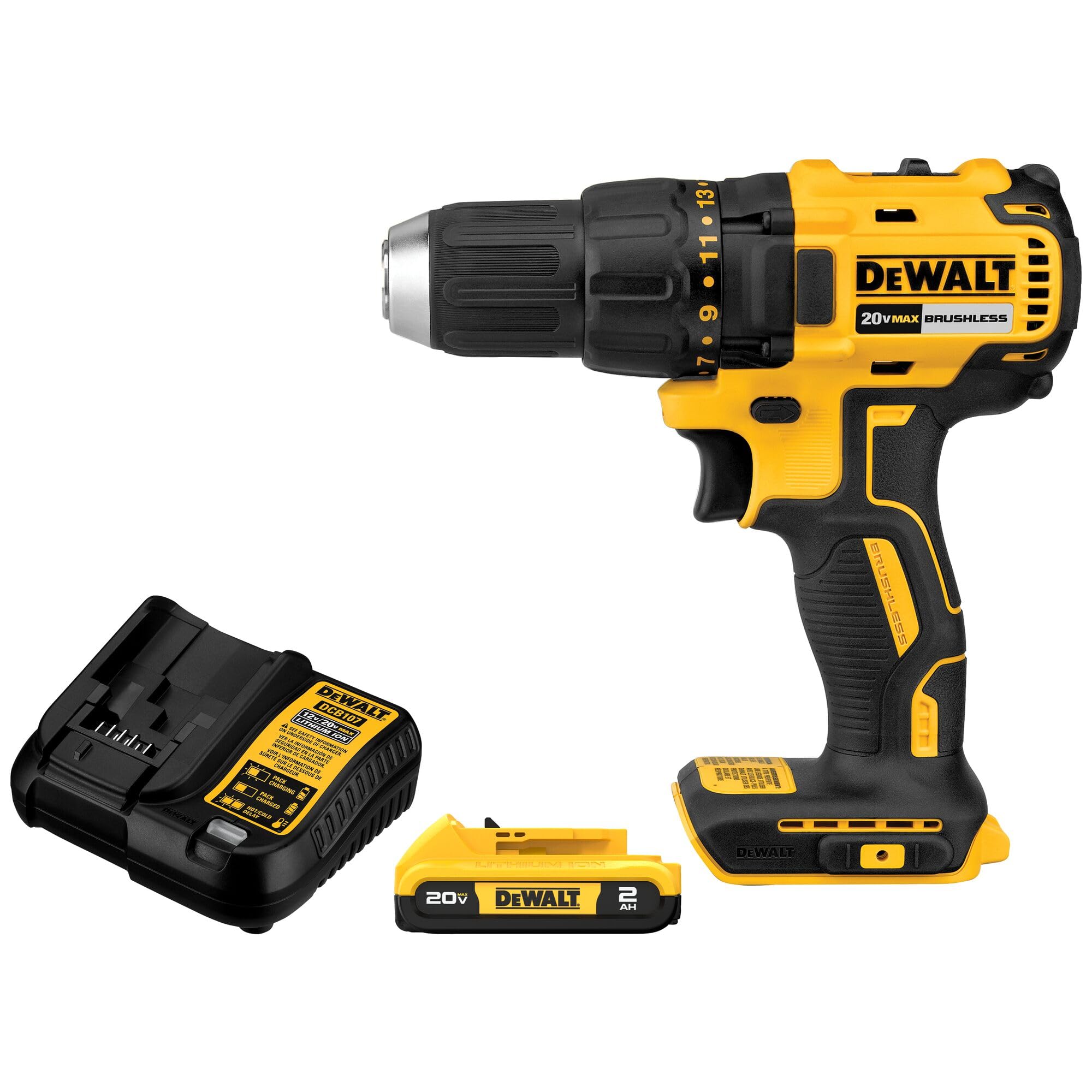
The clutch collar and chuck do more for everyday results than the voltage rating ever will.
Don't Buy a Drill, Buy a Battery Platform
This is the decision buyers regret most often, and it has almost nothing to do with the drill itself. The moment you own two or three batteries, you are effectively committed to that brand's ecosystem, because your next impact driver, circular saw, and sander should all share the same packs and chargers. A professional battery selection guide frames this as the core principle: choose the battery ecosystem first, based on the tools you expect to own over time, rather than evaluating each drill in isolation.
Pick the ecosystem deliberately
The big platforms (such as DeWalt 20V MAX, Milwaukee M18, and Ryobi ONE+) are all large and well-supported, so you are unlikely to make a truly bad choice among them. But you should still choose on purpose. Some platforms span hundreds of compatible tools, which matters enormously if you suspect your tool collection will grow. Buying a cheap off-brand drill with a proprietary battery can look like a bargain until you want a second tool and discover nothing else fits the pack.
Amp-hours and the value of two batteries
If voltage is the rough class and motor type is the quality, amp-hours (Ah) are the endurance. Voltage hints at potential power; amp-hours determine how long the pack lasts between charges. A higher-Ah battery runs longer but weighs and costs more. For general use, a kit that ships with two batteries and a fast charger is usually the best value, because you can keep working while one pack charges. That is why so many shoppers specifically look for a cordless drill that comes with two batteries; it is less about raw power and more about never being stranded mid-task. For a balanced look at how those kits compare, our best cordless drills and driver kits guide breaks down which bundles deliver the most for the money.
One honest caveat from the spec world: Ah alone does not tell the whole story, since runtime also depends on the cell quality and the motor's efficiency. This is another reason a brushless motor pays off; it stretches every amp-hour further.
Ergonomics and the Features That Actually Matter
After power and platform, the remaining decisions are about how the tool feels in your hand and which conveniences are worth a few extra dollars. These rarely make or break a purchase, but they separate a drill you tolerate from one you reach for happily.
Weight and balance
A drill you hold overhead to install a ceiling fixture feels very different after ten minutes than it did in the store. Fine Power Tools recommends prioritizing lighter, well-balanced tools with comfortable grips and good vibration control, especially for overhead or extended work. This is one more quiet win for brushless and compact 12V/18V models, which shed weight without giving up much usable power for everyday tasks. A compact drill like the 2.6-pound DCD777 illustrates how far weight has dropped while keeping a 1/2-inch chuck (DEWALT product page).
Features worth paying for
- An LED work light: Genuinely useful in cabinets, under sinks, and any dim corner. Many include a short delay so the light stays on after you release the trigger.
- A keyless chuck: Standard now, and a real time-saver for swapping bits without a separate key.
- A belt clip and bit holder: Small, but you notice their absence on a ladder.
- A clear two-speed switch and an accessible clutch: Covered above, but worth repeating because they drive everyday results.
Features you can skip
Bluetooth tool tracking, app integration, and the very highest-Ah batteries are nice but rarely necessary for home and light professional use. Buy them if a specific need justifies it, not because they pad the spec list.
Matching the Drill to Your Material
Some of the most common searches are material-specific, so here is how the decisions above combine for the jobs people ask about most.
Concrete and masonry
For concrete, brick, or stone, you need percussion, not just rotation. Choose a hammer drill or a drill with a switchable hammer mode, pair it with a proper masonry bit, and lean toward 18V/20V for the sustained torque that dense material demands. A plain drill/driver will struggle and overheat. The Bob Vila tool comparison is clear that the hammering action is what makes masonry feasible.
Metal
Drilling metal is less about brute power and more about control and the right bit. You want a drill with enough torque to keep turning under load (the upper end of that 25 to 60 Nm range per the torque guide), a steady low-speed setting to avoid overheating the bit, and good clutch control. A capable 18V/20V brushless drill/driver handles most metalwork well; you do not need a hammer drill, and the percussion would actually hurt you here.
Wood and general DIY
For the broadest range of household drilling and driving, a 12V or 18V/20V drill/driver with a 1/2-inch chuck, a two-speed transmission, and a decent clutch is all most people ever need. Add a brushless motor if you will use it regularly, and you have a tool that comfortably covers shelves, furniture, decking, and repairs for years.
Budget Tiers: What You Get at Each Price
Price tracks capability fairly predictably, and knowing the tiers helps you avoid both overspending and false economy. Prices below are approximate, vary by retailer and sale, and were drawn from the cited sources at the time of writing.
Budget (roughly under $80)
At the low end you are typically looking at brushed motors, smaller chucks, and single-battery kits, often 12V. The Consumer Reports example put a basic brushed model around $68. For occasional light tasks, this is genuinely fine, and it answers the "best budget cordless drill" question honestly: a reputable brushed 12V/18V drill from an established platform is the sensible floor. Just avoid no-name tools with proprietary batteries.
Mid-range (roughly $100 to $180)
This is the sweet spot for most buyers. Here you find brushless motors, 18V/20V platforms, 1/2-inch chucks, two-speed transmissions, and frequently a two-battery kit. The brushless model in the Consumer Reports example sat around $122. If you want one drill that does almost everything well, shop this tier. Our cordless drills and driver kits guide focuses heavily on this range because it delivers the best balance of capability and cost.
Professional and high-output (above ~$200)
The top tier buys sustained power, the largest batteries, the toughest housings, and the deepest tool ecosystems for daily, all-day use. If you make your living with the tool or run demanding projects constantly, the durability and runtime justify the cost. If you do not, you are paying for headroom you will rarely use, and the extra weight is a daily tax. The honest answer to "what is the most powerful cordless drill" is that the most powerful option is usually the wrong one for a home user; matched-to-task beats maxed-out almost every time.
Putting It All Together
Choosing a cordless drill gets easy once you stop chasing the biggest number and start matching the tool to the work. Decide the tool type first (drill/driver for almost everyone, hammer drill if masonry is in your future, impact driver if you drive a lot of long screws). Lock in a battery platform you can grow into. Spring for a brushless motor if you will use the drill with any regularity, because that is where runtime, heat, weight, and longevity all improve at once. Then match voltage, chuck, and torque to your heaviest realistic task, and treat ergonomics and features as the tiebreakers they are.
Do that, and the spec sheet stops being intimidating and starts being a checklist. For most homeowners and serious DIYers, the answer lands in the same place: an 18V/20V brushless drill/driver with a 1/2-inch chuck, a two-speed transmission, a usable clutch, and a two-battery kit from a platform you trust. When you are ready to compare specific models against that template, our best cordless drills and driver kits guide and the in-depth DEWALT DCD777 drill/driver review pick up exactly where this guide leaves off.
Related Posts