
A MagSafe case looks like a solved problem until you actually shop for one. Two listings sit side by side. Both say "MagSafe." One costs $12, the other $45. The photos look nearly identical, the snap-on demo videos look the same, and the bullet points read like they were written by the same marketing template. So which one actually holds your wallet at a 45-degree angle, charges at full speed, and survives a drop onto tile?
That gap between what a listing claims and what the magnets actually do is the whole reason this guide exists. Learning how to choose a MagSafe iPhone case is less about brand loyalty and more about reading a handful of technical signals correctly, then matching them to how you actually use your phone. Below is the checklist we use to separate a genuinely magnetic case from one that just glued a thin ring of metal behind the Apple logo and called it a day.
A quick note on method, because it matters for trust: we do not buy and physically drop-test every case ourselves. This guide synthesizes Apple's published accessory guidelines, the Wireless Power Consortium's Qi2 specification, manufacturer spec sheets, and reputable technical reporting, then translates those into plain-language buying criteria. Where a number appears, it is anchored to a primary source you can check yourself.
What "MagSafe compatible" actually means
The single biggest source of confusion is the word "compatible." It sounds like a guarantee. It is not.
There are two distinct claims a case can make, and they are not equal.
Made for MagSafe vs. MagSafe compatible
Made for MagSafe (MFM) is Apple's official certification program. A case carrying the MFM badge has been licensed and tested by Apple to meet its alignment and charging specifications. Apple states that MagSafe-certified accessories are "guaranteed to work seamlessly," including precise magnetic alignment and faster wireless charging up to 15W on iPhone 12 and later, per Apple's MagSafe accessories listing. If a case is genuinely MFM-certified, it appears in Apple's own accessory catalog. That catalog is your verification tool: if a brand claims certification but you cannot find the model in Apple's list, treat the claim with suspicion.
MagSafe compatible (sometimes "magnetic compatible") is an unregulated marketing phrase. It can describe a case with a perfectly tuned magnet array, or it can describe a case with a single weak ring that technically attracts a charger but slides out of alignment the moment you nudge it. The phrase makes no promise about hold strength, charging throughput, or alignment precision.
This does not mean every "compatible" case is bad. Plenty of excellent third-party cases are uncertified simply because the MFM licensing fee raises the price, and they still perform well. The point is that the label alone tells you nothing. You have to look at the underlying specs.
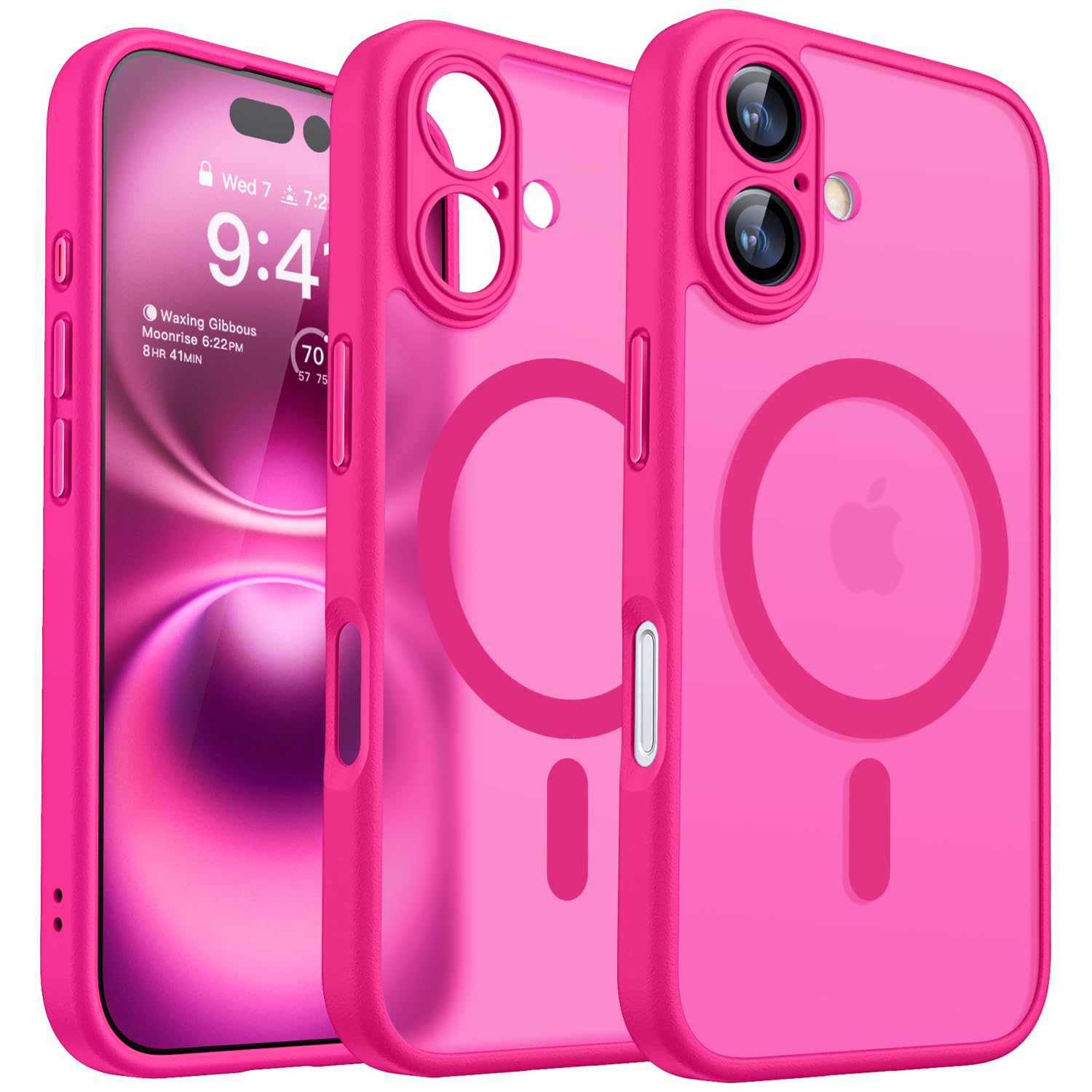
The magnet ring is the part that actually determines whether a "compatible" case performs.
How to verify the claim yourself
Three quick checks cut through most of the noise:
- Search Apple's catalog. If the listing claims MFM certification, confirm the exact model appears in Apple's MagSafe accessory pages. No listing, no certification.
- Look for a stated magnet specification. Honest manufacturers publish hold force or magnet count. Vague listings that only say "strong magnets" with no number are a soft warning sign.
- Read the charging claim carefully. A case that supports full-speed MagSafe charging will usually say so explicitly. Silence on charging speed often means the case wasn't tuned for it.
If you want the deeper argument for whether the premium is even worth paying, we cover that trade-off in our companion piece on whether MagSafe cases are worth it. For now, the takeaway is simple: "compatible" is a starting point for investigation, not a quality stamp.
Magnet strength and hold: the number that matters most
The magnets are the entire point of a MagSafe case. Get this wrong and everything downstream, wallets, mounts, chargers, falls apart. Literally.
Where the strength comes from
A proper MagSafe implementation uses a ring of magnets arranged around the wireless charging coil, not a single bar magnet. Apple's Accessory Design Guidelines specify that cases claiming compatibility with MagSafe should integrate a MagSafe Case Magnet Array so the magnets in the phone, the case, and the accessory all line up. When a case skips this array and relies on a token magnet, two things happen: the snap feels weak, and accessories drift off-center, which also hurts charging.
The reason the ring matters is alignment. A ring of correctly polarized magnets self-centers the accessory. A single magnet attracts but does not align, so a wallet can attach yet sit crooked, and a charger can attach yet miss the coil sweet spot.
The Qi2 hold-force benchmark
Here is the most useful single number for shoppers. The Qi2 standard, the industry specification built directly on Apple's MagSafe technology after Apple contributed it to the Wireless Power Consortium, defines the magnetic profile that governs hold. The Wireless Power Consortium confirms that every device branded Qi2 must include magnets arranged in a ring around the coil, which is what produces a secure, self-aligning attachment.
In practice, a well-implemented magnetic case should hold an accessory firmly enough that it does not creep or detach during normal handling. The functional test that maps to this: with an accessory attached, you should be able to tilt the phone past 45 degrees, even hold it screen-down, without the accessory sliding. If a wallet drifts the moment the phone leaves a flat surface, the magnet array is under-spec, regardless of what the listing claims.
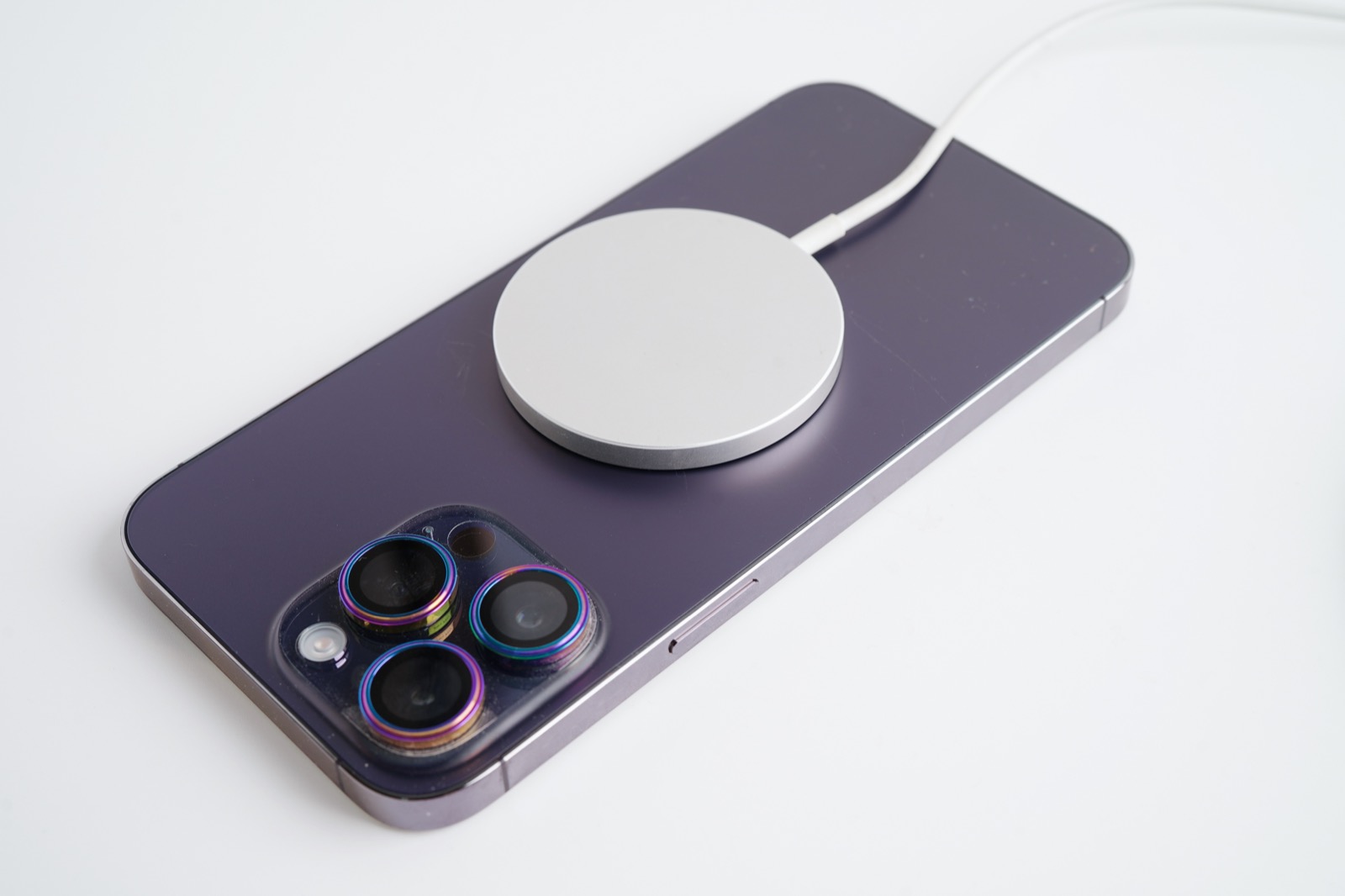
The 45-degree tilt and screen-down hold is the practical proxy for a properly tuned magnet array.
Why stronger is not always better
It is tempting to assume more magnet equals better case. That logic breaks down. Overly aggressive magnets create two real problems. First, excessive magnetic flux can interfere with the iPhone's internal compass and sensors. Second, poorly distributed magnets concentrate force unevenly, which can increase localized heating during wireless charging. The goal is a correctly distributed ring matched to the iPhone's own array, not the strongest possible pull. A case that snaps with a confident, even click and holds through a tilt test is doing its job. One that yanks your hand toward the charger like a fridge magnet is not automatically superior, and may be worse for charging efficiency.
The practical buying signal: prefer cases that describe a magnet ring or array and that quote a hold figure, over cases that brag about raw "super strong" pull with no structure described.
How a case affects wireless charging performance
A MagSafe case sits directly between your phone and the charger, so the case material and thickness influence how well power transfers. This is where cheap cases quietly cost you charging speed and add heat.
Alignment is half the battle
Wireless charging is efficient only when the charger coil and phone coil line up. That is exactly what the magnet ring is for. Qi2's magnetic alignment, inherited from MagSafe, snaps the coils into position automatically; the Wireless Power Consortium notes Qi2 supports up to 15W charging, well past the 7.5W ceiling of older non-magnetic Qi, precisely because reliable alignment lets the system run at higher power safely. A case with a sloppy magnet ring undermines this. Even if it charges, it may charge slower because the coils sit slightly off-center, wasting energy as heat instead of power.
Material and thickness matter
The wireless signal has to pass through the back of the case. A few rules of thumb that hold up:
- No exposed metal across the charging zone. Metal plates or thick metal rings in the charging area interfere with the field and trap heat. This is a common failure mode in generic "compatible" cases that bolted on a metal ring instead of polarized magnets.
- Thinner backs charge better. Thicker cases increase the gap between coils. Slim cases in the roughly 1.5-2mm range preserve nearly full magnetic pull and clean charging; very thick rugged cases can still charge but may struggle to hold lighter accessories firmly.
- Heat management is real. Apple's own MagSafe cases are designed to manage heat by using tuned magnets rather than exposed metal, minimizing interference with the charging coil. Reporting on MagSafe charging consistently finds that thick or metal cases trap heat, and sustained heat degrades battery health over time, as covered in technical breakdowns like Anker's explainer on why magnetic chargers run hot.
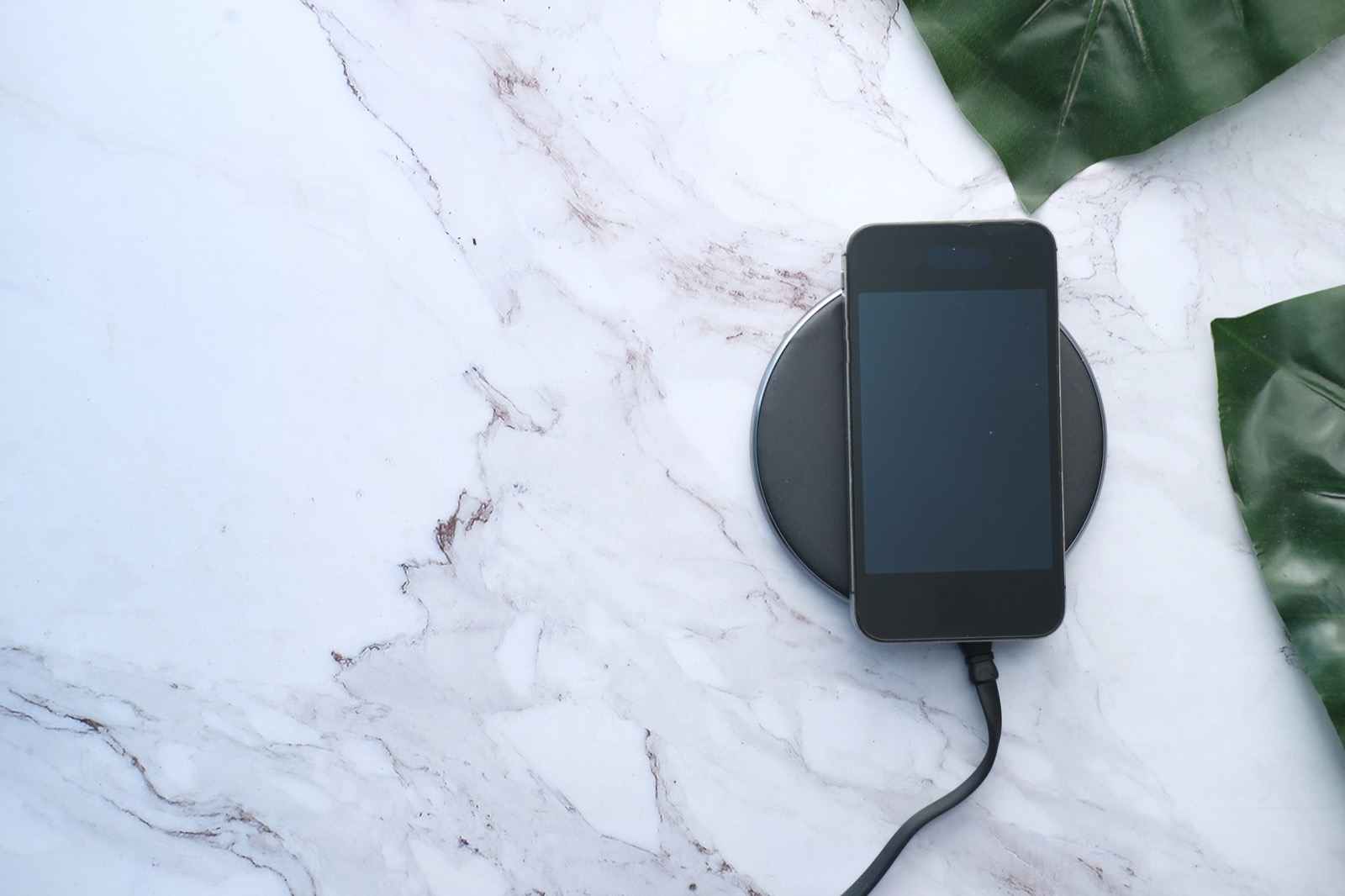
Thin, metal-free backs let the charging coils sit close and aligned, which is what keeps speed up and heat down.
The practical charging checklist
When evaluating a case for charging, ask:
- Does the listing explicitly say it supports MagSafe or 15W wireless charging? Silence is a yellow flag.
- Is the back free of metal in the charging zone?
- Is it slim enough that the charger snaps confidently and centers itself?
If a case fails the snap-and-center test, it will likely fail the charging-speed test too. The two are linked by the same underlying magnet ring.
Drop protection and build quality
Magnets and charging are only half the job. The other half is the thing a case exists to do in the first place: protect the phone when it hits the floor. A perfectly magnetic case that cracks your screen on the first drop is a bad case.
Materials, in plain terms
Most quality MagSafe cases use one of two construction styles, often combined:
- TPU (thermoplastic polyurethane): flexible, grippy, and good at absorbing impact energy. It is the standard for shock-absorbing bumpers and corners.
- Polycarbonate (PC) / hard back: rigid, scratch-resistant, and often used for a clear or matte back panel. A hard back resists scratches better than soft plastic but on its own transmits more shock.
The strongest designs are hybrids: a rigid PC back for scratch resistance paired with a flexible TPU frame and corners for impact absorption. The CANSHN iPhone 16 case is a representative example of this hybrid approach, pairing a hard translucent matte back with a TPU bumper and air-cushion corners, per the manufacturer's product page. We break down how that construction actually holds up in our full CANSHN iPhone 16 case review.
Drop ratings and what they mean
You will see claims like "military-grade" or "MIL-STD-810G drop tested." This is a useful signal but read it correctly:
- MIL-STD-810G is a U.S. military testing standard that includes a transit drop test (typically 26 drops from about 1.2 meters / 4 feet onto plywood over concrete). A case tested to it has demonstrated meaningful drop survivability.
- The caveat: MIL-STD-810G is a self-certifiable standard, meaning manufacturers run their own tests. It is a credible signal, not an Apple-style audited guarantee. Treat it as "this brand engineered for drops," not as an ironclad warranty.
The physical features that actually do the protecting are more telling than the badge:
- Air-cushion or airbag corners that compress on impact and spread the force.
- A raised lip around the screen (roughly 1mm) so a face-down drop lands on the case, not the glass.
- A raised camera bezel so the lenses never touch the surface when set down face-down. Camera repairs are expensive; this small ridge prevents the most common cosmetic-to-functional damage.
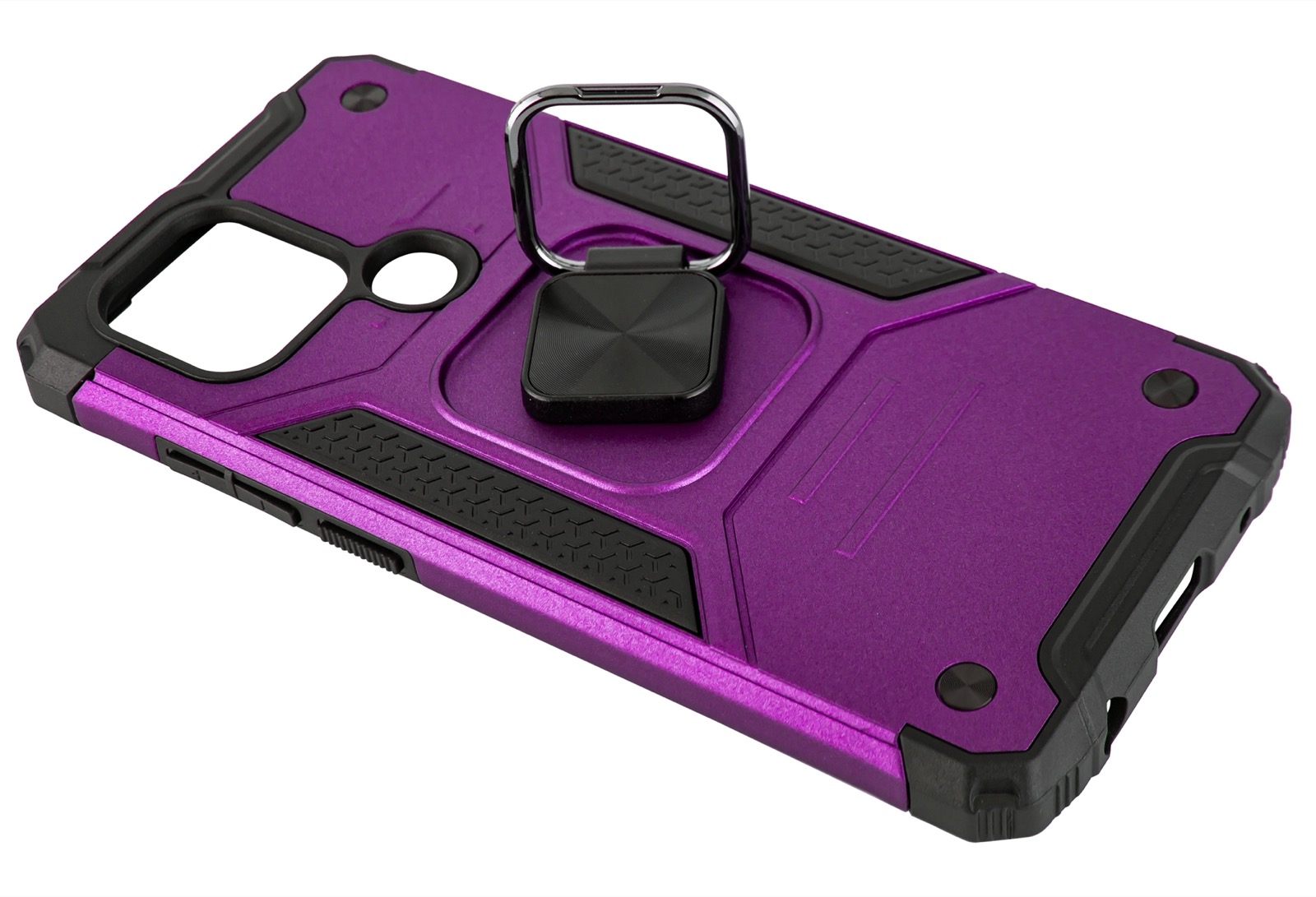
Air-cushion corners and a raised screen lip do more real protective work than a "military grade" badge alone.
Grip, feel, and the small stuff
The unglamorous details that determine whether you keep using the case:
- Button feel. Cutouts that are too tight make buttons mushy; covered buttons should click cleanly.
- Grip texture. A matte or lightly textured finish resists drops by not sliding off surfaces in the first place. Glossy clear cases look great and slide off car dashboards.
- Yellowing. Cheap clear cases yellow within months. Look for explicit anti-yellowing claims (non-yellowing TPU or coated PC), since a yellowed clear case is the most common reason people replace cases early.
- Port and speaker cutouts. Precise cutouts matter more than they sound; oversized or misaligned ones collect lint and look cheap.
Choosing the right case for your iPhone model
A MagSafe case is model-specific. The magnet ring position, camera cutout, and dimensions are tuned to one iPhone generation. A case "for iPhone 15" will not fit an iPhone 17 correctly, and a near-miss fit ruins both protection and alignment.
Match the exact model and size tier
Within a single generation there are multiple sizes, base, Plus, Pro, and Pro Max, with different dimensions and camera layouts. The number one fit mistake is buying for the right generation but the wrong tier. Confirm three things before buying:
- The exact model name (e.g., iPhone 17, not just "iPhone").
- The screen size if listed (a 6.1-inch case will not fit a 6.7-inch phone).
- The camera cutout matches your phone's lens arrangement.
Model-specific notes worth knowing
- iPhone 17 cases: The newest generation has the widest selection of fresh designs and the most current magnet tuning. Because Qi2 adoption has matured, look for cases that explicitly cite MagSafe or Qi2 magnetic support rather than older "Qi compatible" language.
- iPhone 16 cases: A large, mature market with strong value options. This is the generation our CANSHN review covers, and it is a good reference point for what a well-built mid-priced magnetic case looks like.
- iPhone 15 cases: Still widely available and often discounted as a previous generation. The magnet and charging fundamentals are identical to newer models, so a good iPhone 15 case is a smart value if you are on that phone. Just confirm the case is for your specific size tier.
If you want a curated set of options that already pass these checks across recent models, our roundup of the best MagSafe iPhone cases does the comparison shopping for you, with picks matched to different budgets and use cases.
Matching a case to your accessories and lifestyle
The "best" MagSafe case depends on what you actually attach to it. The magnet ring is the connector for an entire ecosystem, so think about your accessories before you buy.
Wallets and power banks
If you use a MagSafe wallet or a magnetic power bank, hold strength becomes your top priority. A wallet that holds your cards but slides when you pull the phone from a pocket is worse than no wallet. Prioritize cases that pass the tilt test and quote a real hold figure. The added weight of a power bank especially punishes weak magnet arrays, so for power-bank users, err toward stronger, well-distributed rings.
Car mounts
MagSafe car mounts are one of the most demanding accessories because road vibration constantly tries to shake the phone loose. A weak magnet that holds a wallet on a desk may still let the phone vibrate off a dashboard mount on a bumpy road. For drivers, magnet strength is non-negotiable, and a thinner, metal-free back also helps the mount's own magnets grip cleanly. If car mounting is your main use, treat hold strength as the deciding spec.
Chargers and stands
For nightstand or desk MagSafe chargers and stands, alignment quality matters more than raw strength. You want the phone to snap into the same correct position every time so it charges at full speed and the stand stays balanced. This circles back to the magnet ring: a proper ring self-aligns; a single magnet does not.
Matching across Apple and Android accessories
Because Qi2 generalized MagSafe's magnetic profile, a growing number of magnetic accessories now work across both iPhone and Qi2 Android phones. If you share accessories across devices or expect to upgrade, choosing a case with a true Qi2-aligned magnet ring keeps your wallet, mounts, and chargers usable across that wider ecosystem rather than locking you into one weak proprietary fit.
Putting it all together: the buyer's checklist
Here is the full decision flow distilled into a sequence you can run on any listing in about two minutes.
- Confirm the exact model and size tier. Right generation, right size (base / Plus / Pro / Pro Max).
- Decode the magnet claim. MFM-certified? Verify it appears in Apple's catalog. "Compatible"? Look for a stated magnet ring or hold figure, not just "strong magnets."
- Check charging support. Explicit MagSafe / 15W support, no metal across the charging zone, slim enough to snap and center.
- Assess protection. Hybrid TPU + PC build, air-cushion corners, raised screen lip (~1mm), raised camera bezel, and ideally a credible drop standard like MIL-STD-810G.
- Match it to your accessories. Wallet or power bank or car mount means prioritize hold strength; charger or stand means prioritize alignment.
- Mind the small stuff. Anti-yellowing for clear cases, clean button feel, grippy texture, precise cutouts.
Run those six steps and the $12-versus-$45 question usually answers itself. Sometimes the cheaper case passes every check and is the smart buy. Sometimes the premium buys you a genuinely better magnet ring, real drop engineering, and full-speed charging. The checklist, not the price, is what tells you which is which.
A note on how we evaluate
Because we do not physically buy and drop-test every case, our confidence comes from anchoring each criterion to a primary source: Apple's Accessory Design Guidelines and MagSafe accessory catalog for certification and alignment, the Wireless Power Consortium's Qi2 magnetic profile for the hold and charging standard, and manufacturer spec sheets for individual case construction. When you apply the checklist above, you are applying those same published standards yourself, which is the most reliable way to choose a MagSafe iPhone case without relying on a single brand's marketing copy.
Related Posts