
So Are MagSafe Cases Worth It? The Short Answer First
If you own an iPhone 12 or newer and you already use wireless charging, a magnetic chargers, or even occasionally slap a wallet on the back of your phone, then yes, a MagSafe case is usually worth it. The magnets line your phone up perfectly with the charging coil, the accessory ecosystem is enormous, and a good case adds the protection you'd want anyway. If you never charge wirelessly and never touch a magnetic mount or wallet, the magnetic ring is mostly along for the ride, and a plain protective case will serve you just as well for less money.
That's the honest version. The longer version depends on which phone you carry, how you charge it, and whether you've been burned by the (mostly overblown) safety rumors floating around. This piece walks through all of it, including the parts that apply to Samsung and Android owners, because the question "are MagSafe cases worth it" turns out to have a different answer depending on the badge on your phone.
A quick note on how we put this together. We don't fake hands-on lab testing here. Everything below is synthesized from Apple's own published guidelines and support documentation, the Wireless Power Consortium's Qi2 specification, and reporting from established technology outlets. Where a number matters, we link straight to the primary source so you can check it yourself. That transparency is the point: you should be able to trace every claim.
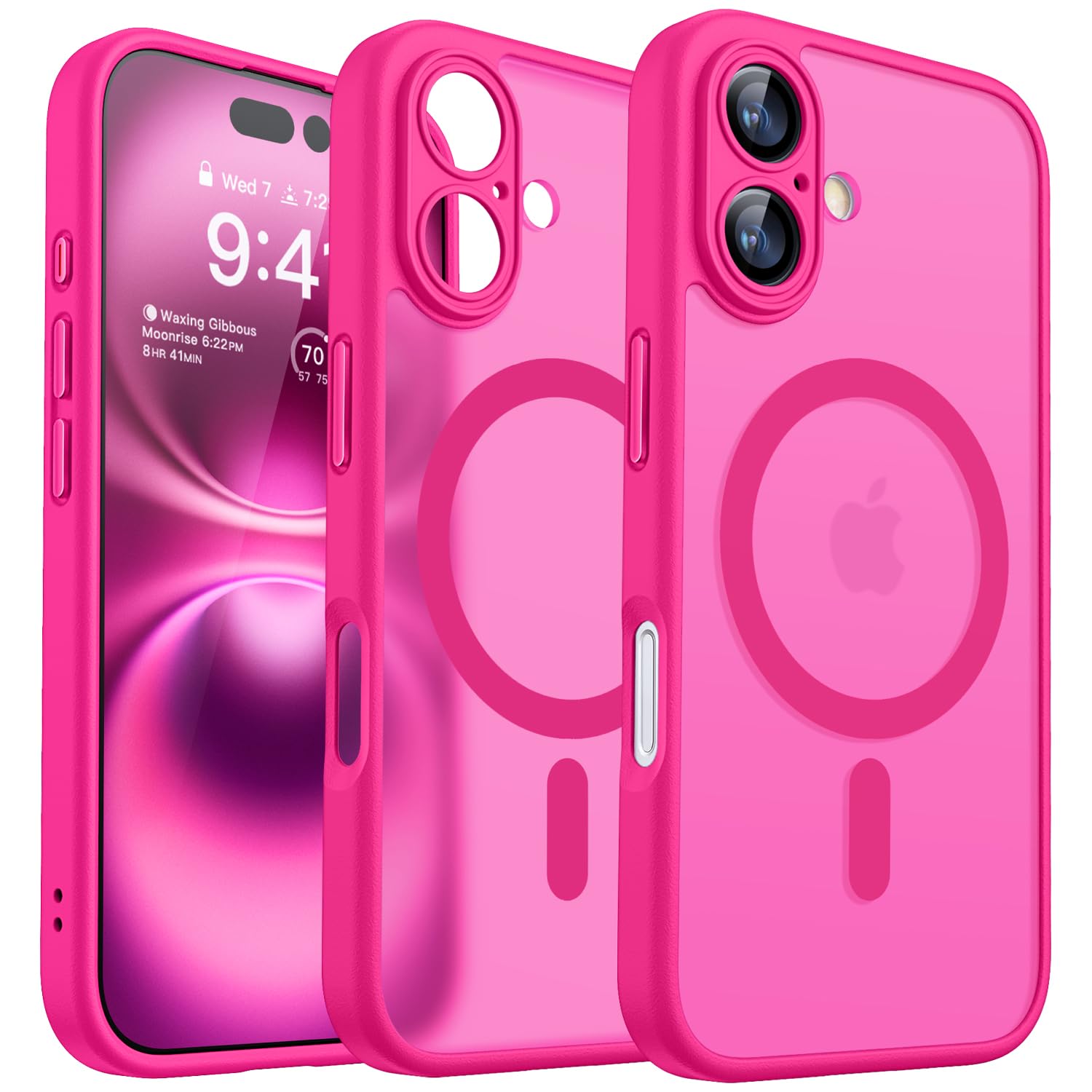
A MagSafe case lets the phone snap onto a charger with a satisfying click and perfect coil alignment.
What a MagSafe Case Actually Is
Before deciding if something is worth your money, it helps to know what you're actually buying. MagSafe is Apple's branding for a ring of magnets built into the back of every iPhone since the iPhone 12, introduced in 2020. Those magnets do two jobs. First, they snap the phone into perfect alignment over a wireless charging coil, which matters more than people realize. Second, they hold accessories, including wallets, stands, car mounts, battery packs, and tripods, firmly against the back of the phone.
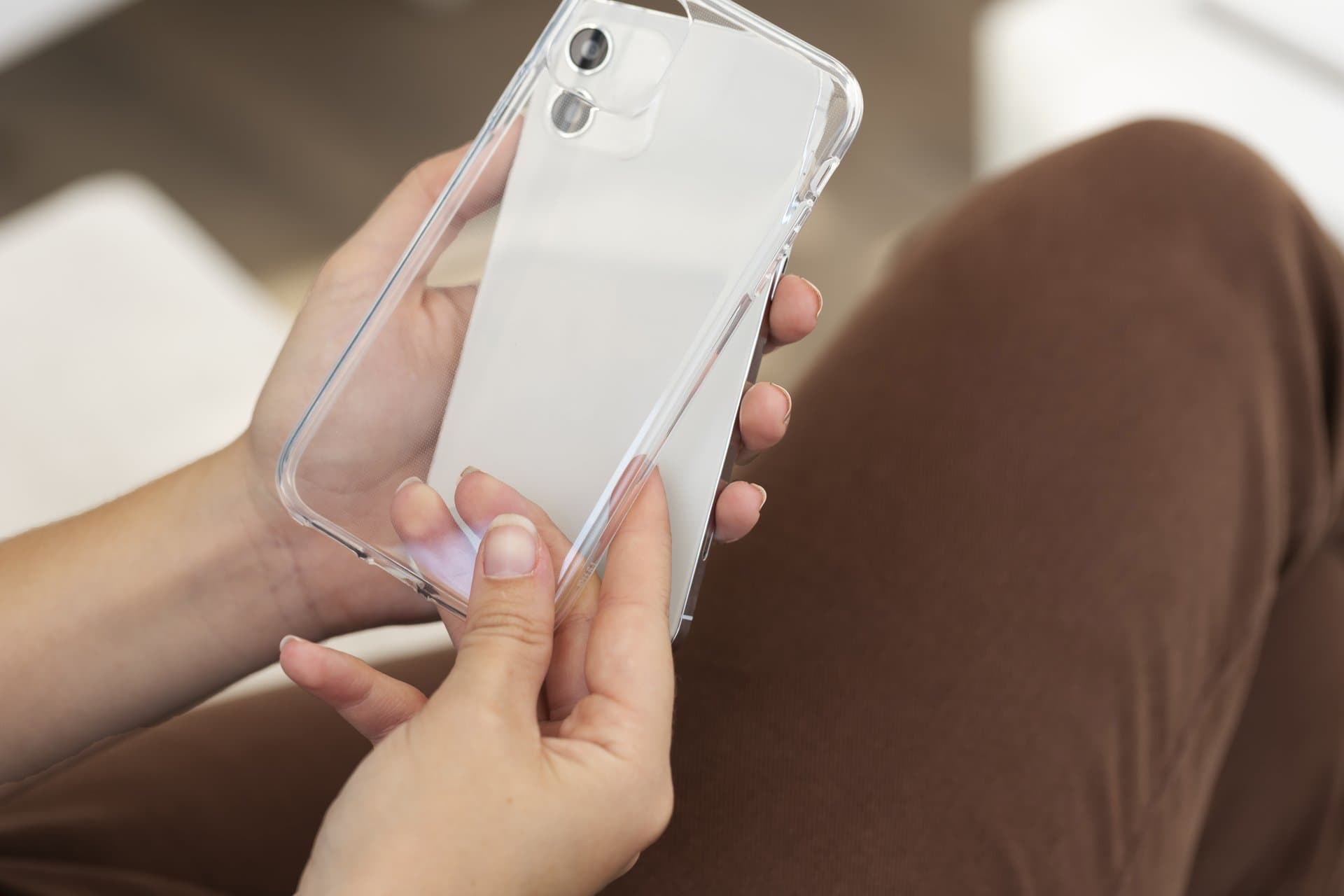
A "MagSafe case" is simply a case that has its own ring of magnets embedded in the back, positioned to match the iPhone's internal ring. Without that ring, the magnetic pull from the phone has to fight its way through the plastic, silicone, or leather of an ordinary case, which weakens the connection. With the ring, an accessory clicks onto the case almost as strongly as it would onto a bare phone.
Apple is unusually specific about what qualifies. Per the company's accessory design guidelines, certified MagSafe accessories use N45SH neodymium magnets with a thin nickel-copper-nickel coating, and the magnetic array has to let a user pull an accessory off with a force between roughly 800 and 1,100 grams. That standard exists so that, for example, a wallet stays put in your pocket but still peels off when you want it, as detailed in MacRumors' coverage of Apple's MagSafe design guidelines. When a case advertises itself as "MagSafe compatible" rather than "MagSafe certified," it usually means it has a magnetic ring of some strength but hasn't been validated against Apple's exact tolerances. In practice many of those compatible cases work fine; a few have magnets that are noticeably weaker or, occasionally, stronger than the official spec.
If you want to go deeper on choosing between certified and compatible options, the right level of magnet strength, and material trade-offs, our companion guide on how to choose a MagSafe iPhone case breaks down the decision step by step.
Certified vs. Compatible: Does the Difference Matter?
For most people, "compatible" is good enough, and it's usually cheaper. The gap shows up at the extremes. If you plan to hang the phone off a car vent mount over potholes, or you load a wallet plus a battery pack onto the back at the same time, a weak magnetic ring will start to slip. Certified cases are the safer bet there because they're held to Apple's holding-force window. If you only ever drop the phone onto a desk charger, the difference is academic.
Are MagSafe Cases Worth It for the Charging Alone?
This is where the value case is strongest, and it's worth understanding why. Wireless charging only works efficiently when the receiving coil in your phone lines up with the transmitting coil in the charger. Misalignment wastes energy as heat and slows the charge. The magnetic ring solves alignment automatically, which is the entire reason Apple built it.
On the speed side, the numbers are concrete. Apple's support documentation states that a MagSafe Charger can deliver up to 15W to an iPhone with a 20W or greater USB-C adapter, and up to 25W on newer iPhones when paired with a 30W or greater adapter supplying 15V/2.0A or higher, as laid out in Apple's MagSafe charging guide. A standard Qi wireless pad without magnetic alignment typically tops out around 7.5W for an iPhone. So the magnetic ring isn't just a convenience; on Apple's hardware it roughly doubles to triples your achievable wireless speed.
There's a subtlety worth flagging. The phone itself has the magnets; a case doesn't add charging speed. What a MagSafe case does is preserve that fast, aligned charging through the thickness of the case. A non-MagSafe case can still allow wireless charging, but it removes the magnetic snap, so you lose the foolproof alignment and the accessory grip. If wireless charging is part of your daily routine, that snap is the feature you're paying for.
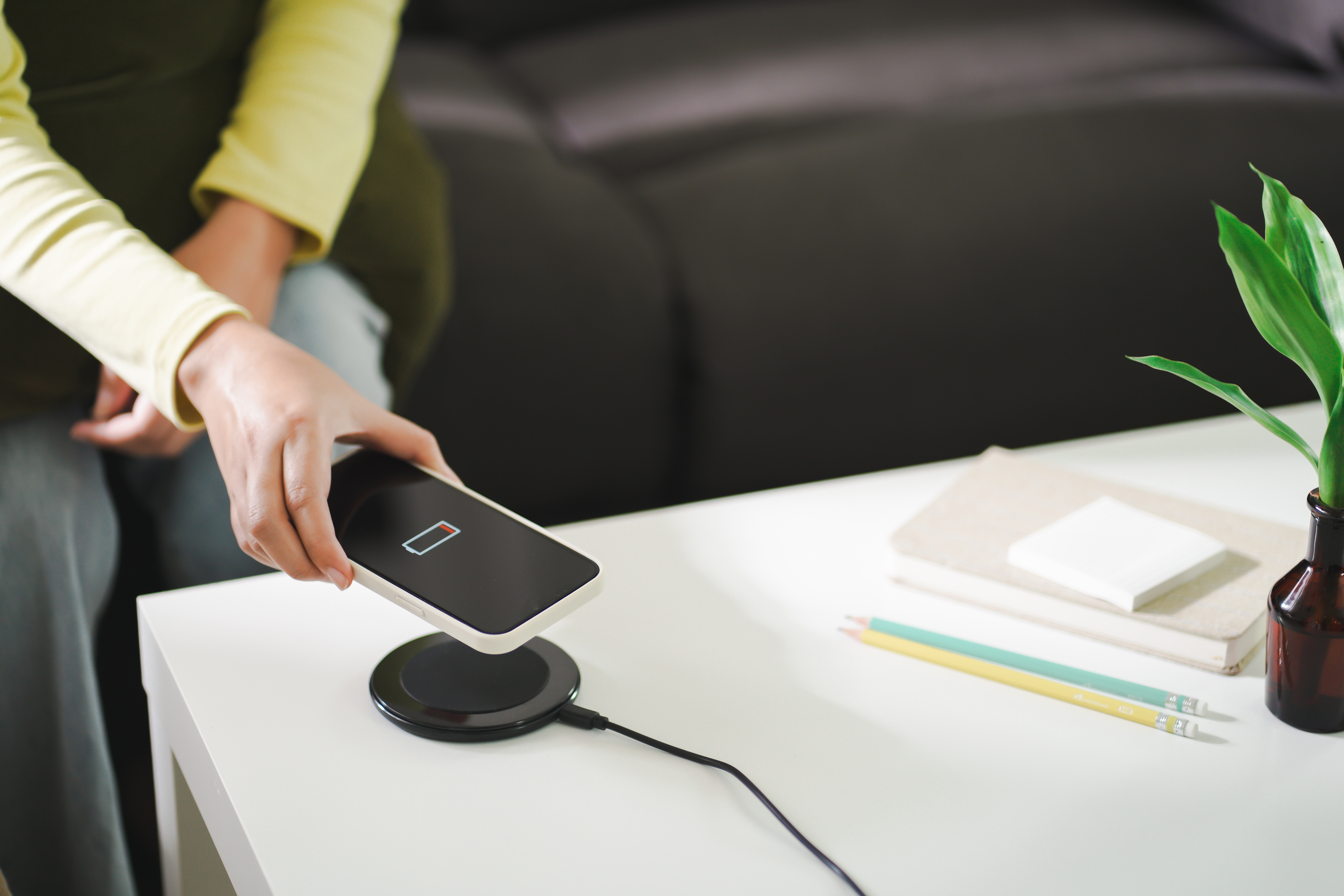
Magnetic alignment centers the coils automatically; a flat pad leaves alignment to luck.
The Accessory Ecosystem Is the Hidden Value
Charging speed is the headline, but the accessories are where MagSafe quietly earns its keep over months of ownership. A magnetic wallet that snaps on and off in a second. A car mount you can dock one-handed without fumbling for a clamp. A grip ring, a desk stand, a continuity-camera mount, a battery pack that rides on the back of the phone without a cable. None of that works reliably through an ordinary case. A MagSafe case is the connector that keeps the whole ecosystem usable.
The flip side: if you've looked at all of that and thought "I will never use any of it," then you're paying for a feature you won't touch. That's a legitimate reason to skip it.
Are MagSafe Cases Safe? Addressing the Magnet Fears
This is the question that drives a lot of the hesitation, so let's take it head-on. The short answer is that for the phone itself, MagSafe is safe; the real precautions are narrow and specific.
Do the Magnets Damage the iPhone?
No. The magnets are a designed-in part of the phone, and the case magnets are weak by industrial standards. For context, the neodymium magnets in MagSafe accessories are graded N45SH, while hobbyist N52 magnets can produce field strengths up to roughly 14,800 gauss, far beyond anything in a phone case. Modern smartphones don't store data magnetically the way old hard drives and cassette tapes did, so the kind of magnet you'd find in a case can't wipe your photos or corrupt your storage.
Is It Safe for Wireless Charging?
Yes, and this is one of the more common worries, so it deserves a direct answer. A properly designed MagSafe case is built specifically so the magnetic ring and the charging coil coexist. Apple has confirmed that MagSafe charging is designed for everyday use, including overnight, because the iPhone manages the battery to prevent overcharging and overheating. The company's general guidance is summarized in its MagSafe charger support article. The case doesn't interfere with wireless charging; if anything, by guaranteeing alignment it makes charging more efficient than a bare phone wobbling on a flat pad.
The Two Real Precautions
There are exactly two things worth taking seriously, and neither involves the phone breaking.
First, don't sandwich cards between the phone and a charger. Apple explicitly warns not to place credit cards, security badges, passports, or key fobs between your iPhone and the MagSafe Charger, because the magnets and charging field can damage magnetic strips or RFID chips. If your case has a wallet pocket on the back, pull the cards out before you charge, or make sure they're not directly between the phone and the puck. This is a documented caution straight from Apple's MagSafe charger guide, not a rumor.
Second, medical devices. Apple notes that iPhone and MagSafe accessories contain magnets and radios that emit electromagnetic fields, which could interfere with pacemakers, defibrillators, and similar devices. If you or someone who'll handle your phone uses one, the guidance is to keep the phone at a safe distance and consult the device manufacturer. This is the one genuinely important safety note, and it has nothing to do with the case itself failing.
Notice what's not on the list: no risk to your photos, your SIM, your storage, or your battery health from normal use. The "magnets will ruin your phone" fear is the most repeated MagSafe myth and the least grounded.
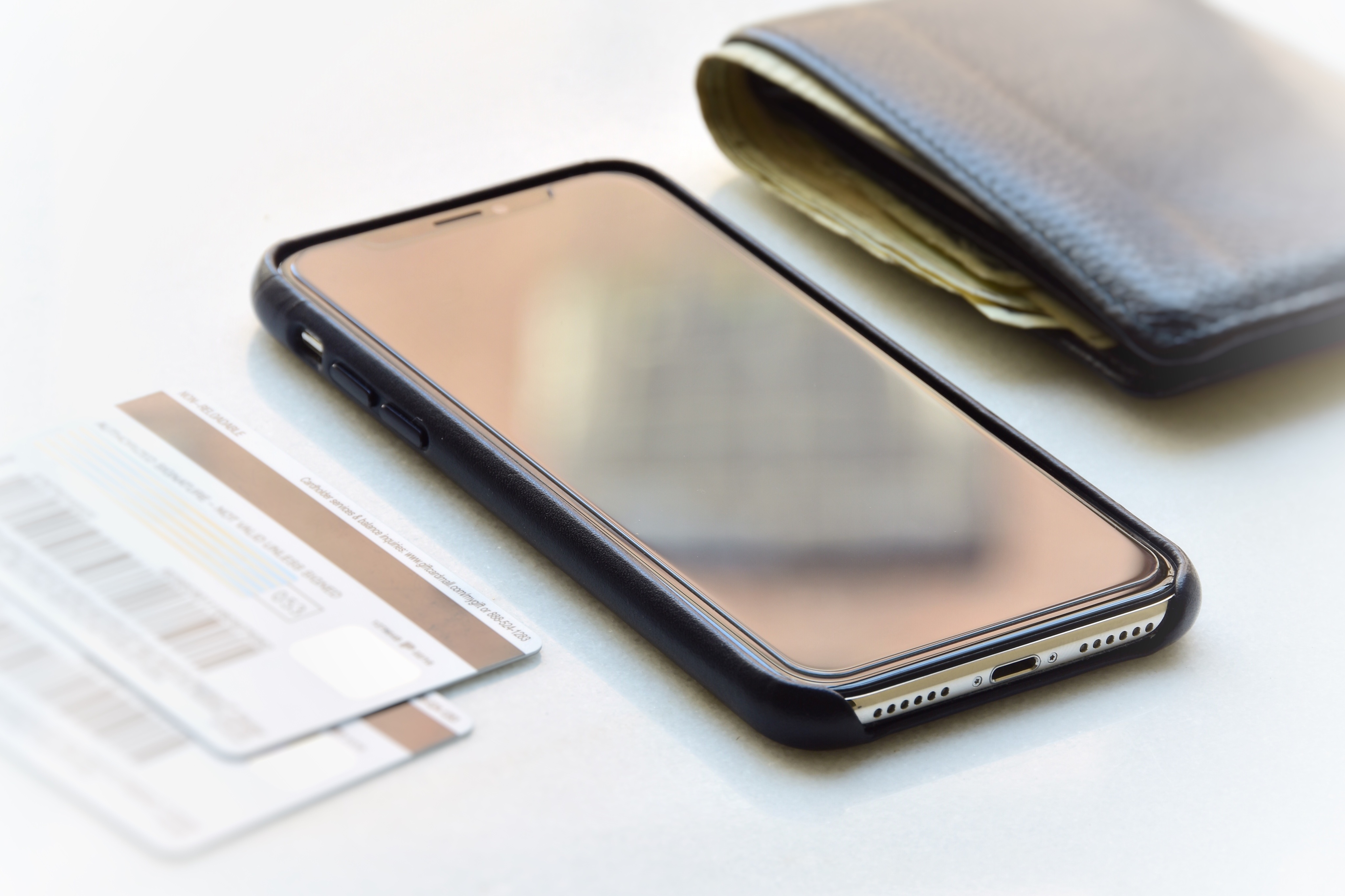
Keep cards out from between the phone and charger; the field can damage magnetic strips and RFID chips.
Are MagSafe Cases Worth It for Samsung and Android?
Here the answer genuinely changes, and it's the source of a lot of confusion, so it's worth slowing down. Most of the time, when someone asks "what is a MagSafe case for Samsung" or "what is a MagSafe case for Android," they're really asking whether the same magnetic snap experience exists outside Apple's world. The answer in 2026 is: yes, but with an asterisk.
MagSafe Is Apple's Name; Qi2 Is the Open Standard
MagSafe is an Apple trademark, so technically there's no such thing as an official "MagSafe case for Samsung." What exists instead is Qi2, the wireless charging standard from the Wireless Power Consortium. Qi2 includes a Magnetic Power Profile (MPP) that works almost exactly like MagSafe: a ring of magnets snaps the phone into alignment for faster, more efficient charging. When a case is marketed as "MagSafe compatible" for an Android phone, it really means Qi2/MPP compatible, the same magnet placement and roughly the same accessory behavior.
The Catch: Most Galaxy Phones Don't Have Built-In Magnets
This is the part that trips people up. Even though recent Galaxy phones support Qi2 charging, Samsung has continued to leave the magnets out of the phone itself. As reported in Android Central's coverage of the Qi2 magnet situation, the Wireless Power Consortium allows a "Qi2 Ready" tier that supports the standard's charging without including the magnet array. The practical result, detailed in Android Headlines' reporting on the Galaxy S26 certification, is that many Samsung phones can charge over Qi2 but can't snap onto a magnetic accessory on their own.
So for a Samsung or Android owner, a magnetic case isn't optional the way it is for an iPhone owner; it's the thing that adds the magnets in the first place. The case carries its own magnetic ring, and that ring is what enables the snap-on accessories and the faster magnetically-aligned charging speeds. Without the case, you get ordinary Qi2 charging with no magnetic alignment.
So Is It Worth It on Samsung?
For a Samsung owner who wants the magnetic ecosystem, a Qi2/MPP magnetic case is arguably more worth it than on an iPhone, precisely because it's the only way to get the feature at all. The trade-off is that you're depending on the case's magnets being well-made, since there's no phone ring backing them up. Buy from a brand that publishes its alignment and holding specs, and you'll get the snap-and-charge experience iPhone owners take for granted. Is it safe for the Samsung phone and its wireless charging? Same answer as Apple: yes, with the same two caveats about cards and medical devices.
MagSafe Case vs. a Regular Case: What You Actually Gain
It's easy to frame this as MagSafe versus no case, but the real comparison most people face is MagSafe versus an ordinary protective case at a lower price. Laying the two side by side makes the decision clearer.
On protection, the two are equal. Drop resistance comes from the case's structure, corner reinforcement, and material, not from the magnets. A well-built non-MagSafe case can absolutely outprotect a flimsy magnetic one. So if a salesperson implies that MagSafe makes a case "tougher," that's marketing, not physics. Buy for the drop rating you need first; the magnets are a separate question.
On charging, the gap is real. A regular case usually still permits wireless charging, but you lose the magnetic snap, which means you're back to lining the phone up by hand on a flat pad and hoping the coils meet. Miss the sweet spot and the phone either charges slowly or, on some pads, throws a misalignment warning and stops. The magnetic ring removes that friction entirely. If you charge wirelessly daily, this convenience compounds over the life of the phone.
On accessories, there's no contest. The magnetic mounting ecosystem simply doesn't work through a non-magnetic case. No snap-on wallet, no one-handed car dock, no magnetic battery pack riding on the back. If you want any of that, a magnetic case is the price of entry.
On price and bulk, the regular case wins narrowly. It's typically a little cheaper and a hair thinner because there's no magnet array. For someone optimizing purely for a slim, inexpensive shell, that's a legitimate edge.
The honest summary: the two are tied on protection, MagSafe wins decisively on charging convenience and accessories, and the regular case wins slightly on price and slimness. Which column matters more is entirely about how you use your phone.
A Note on Magnet Strength and Gauss Numbers
You'll see cases advertised with gauss figures or "Nxx" magnet grades, and it's worth a moment of context so the numbers don't intimidate you. Gauss measures magnetic field strength. The neodymium magnets Apple specifies for certified accessories are graded N45SH, a deliberately moderate choice tuned to that 800-to-1,100-gram pull-off window. Some aftermarket cases chase bragging rights with much stronger magnets; for reference, hobbyist N52-grade neodymium can reach field strengths in the range of 14,800 gauss, which is far beyond anything sensible in a phone case. As the rundown at Smartish explains, a stronger magnet isn't automatically a better one. Overshoot the spec and accessories become a struggle to remove and can grip harder than Apple's hardware was designed for. The target you want is "matched to spec," not "as strong as possible."
When a MagSafe Case Is NOT Worth It
A balanced answer has to include the cases where you should save your money. We'd rather you skip it than buy something you won't use.
- You never charge wirelessly and never will. If you're a plug-it-in-overnight person and you have no interest in mounts or wallets, the magnetic ring is dead weight. A good non-MagSafe case protects your phone identically for less.
- You want the slimmest possible case. The magnet array adds a small amount of thickness and weight. It's minor, but if you obsess over a featherweight phone, it's a real trade-off.
- You're on a tight budget and protection is the only goal. Drop protection comes from the case structure, not the magnets. You can get excellent protection without paying the MagSafe premium.
- Your phone predates the feature. Magnetic alignment lives in iPhone 12 and later. On older iPhones a "MagSafe" case just adds magnets for accessory grip, with no charging-alignment benefit since the phone has no internal ring.
If any of those describe you, the magnetic ring is a feature you'd be subsidizing without using.
How to Get It Right If You Do Buy One
Assuming the value math works for you, a few things separate a case that delivers the full experience from one that disappoints.
Look for a stated alignment standard. Certified cases meet Apple's holding-force window; reputable "compatible" cases publish their magnet strength so you're not guessing. Check the ring placement on cases for non-Apple phones especially, since the case is doing all the magnetic work. And don't over-index on raw magnet strength: a ring far stronger than the spec can make accessories hard to remove and, in extreme aftermarket cases, exceed Apple's intended pull force, as discussed in Smartish's overview of iPhone case magnet strength. Stronger isn't automatically better; matched-to-spec is the goal.
For a concrete example of what a well-executed budget magnetic case looks like in practice, our CANSHN magnetic iPhone 16 case review digs into the real magnet behavior, protection, and where it cuts corners. It's a useful reference point whether or not it's the case you end up buying. And if you'd rather compare your top contenders side by side, our roundup of the best MagSafe iPhone cases for 2026 ranks the options by use case, from rugged to minimalist.
Quick Buyer's Checklist
- Confirm your phone actually has, or will get via the case, a magnetic ring (iPhone 12+ has it built in; most Galaxy phones do not).
- Decide whether you'll use accessories or wireless charging at all; that's the whole value proposition.
- Prefer certified, or compatible cases that publish their magnet specs.
- Pull cards out of any wallet before wireless charging.
- If you use a medical device, keep magnetic distance and check with the manufacturer.
Common Questions, Answered Plainly
A few questions come up again and again around this topic. Here are direct answers, grounded in the same sources used above.
Will a MagSafe case slow down my wireless charging?
No. A properly made MagSafe case is engineered so the magnetic ring and the charging coil work together rather than against each other. Because the magnets enforce alignment, charging is often more consistent than a bare phone resting off-center on a flat pad. The case thickness is accounted for in the design, which is exactly why the certification process exists. The only way a case slows charging is if it's poorly made or uses a thick metal element where the coil sits, which is why buying from a reputable brand matters.
Do MagSafe magnets affect the iPhone's battery health?
There's no mechanism by which the case magnets degrade your battery. Battery wear comes from charge cycles, heat, and time, not from magnetic fields. Apple's own guidance is that MagSafe charging is safe for everyday use, including leaving the phone on a charger overnight, because the phone actively manages charging to protect the battery. The magnets are inert with respect to battery chemistry.
What about my credit cards and hotel keys?
This is the one place to be genuinely careful, and it's about the cards, not the phone. Keep magnetic-stripe cards and RFID items out from between the phone and a charger. If your case has a built-in wallet, remove the cards before setting it on a charging puck. Apple spells this out directly in its MagSafe charger guidance. Tap-to-pay cards with chips are more resilient, but old magnetic-stripe cards and some hotel keys are the ones at risk.
Is "MagSafe for Samsung" a real thing or marketing?
It's real in function, even if the name is borrowed. Apple owns the MagSafe trademark, so a Samsung-branded "MagSafe case" doesn't officially exist; what you're actually buying is a Qi2 magnetic case using the Wireless Power Consortium's Magnetic Power Profile. It behaves like MagSafe, snapping the phone into alignment and holding accessories. Because most Galaxy phones still ship without built-in magnets, the case is what supplies them, as covered in Android Central's Qi2 explainer. So it's not a gimmick; it's just MagSafe's open-standard cousin under a different name.
Does it work on Android phones other than Samsung?
The same logic applies to any Android phone. If the phone supports Qi2 charging but lacks built-in magnets, a Qi2/MPP magnetic case adds the magnetic ring and unlocks both magnetic alignment and the accessory ecosystem. A handful of newer Android models have begun shipping with magnets built in, which mirrors the iPhone arrangement and means a magnetic case mainly preserves the snap through the case. Check your specific model's spec sheet to know which camp you're in.
The Verdict
So, are MagSafe cases worth it? For an iPhone 12-or-newer owner who charges wirelessly or uses even one magnetic accessory, it's an easy yes; the faster aligned charging and the snap-on ecosystem more than justify the modest premium, and the safety fears are, with two narrow exceptions, unfounded. For a Samsung or Android owner, a Qi2/MPP magnetic case is the only way to get the magnetic experience at all, which makes it arguably essential rather than optional if you want that feature. And for anyone who plugs in by habit and never reaches for a wallet, a stand, or a mount, the honest answer is to skip it and buy a regular case.
The magnets aren't magic and they aren't dangerous. They're a convenience standard, and whether that convenience is worth paying for comes down to a single question: will you actually use the snap? If yes, buy with confidence. If no, keep your money.
Related Posts